How to Bunnyhop in CS2 and Keep Your Speed Between Jumps
How to Bunnyhop in CS2 and Keep Your Speed Between Jumps
To bhop in CS2, build up speed, turn smoothly in the air, and jump again just as you land. This guide covers mouse wheel binds, speed limits in Premier, and a 15-minute practice routine. Load up a practice map, change your game parameters and try linking your first two hops.
Jump Timing and Speed Limits in Premier
You can bhop in Premier without console commands. Valve’s January 21, 2026 update made landing timing more precise and removed stamina costs for jumping and landing.
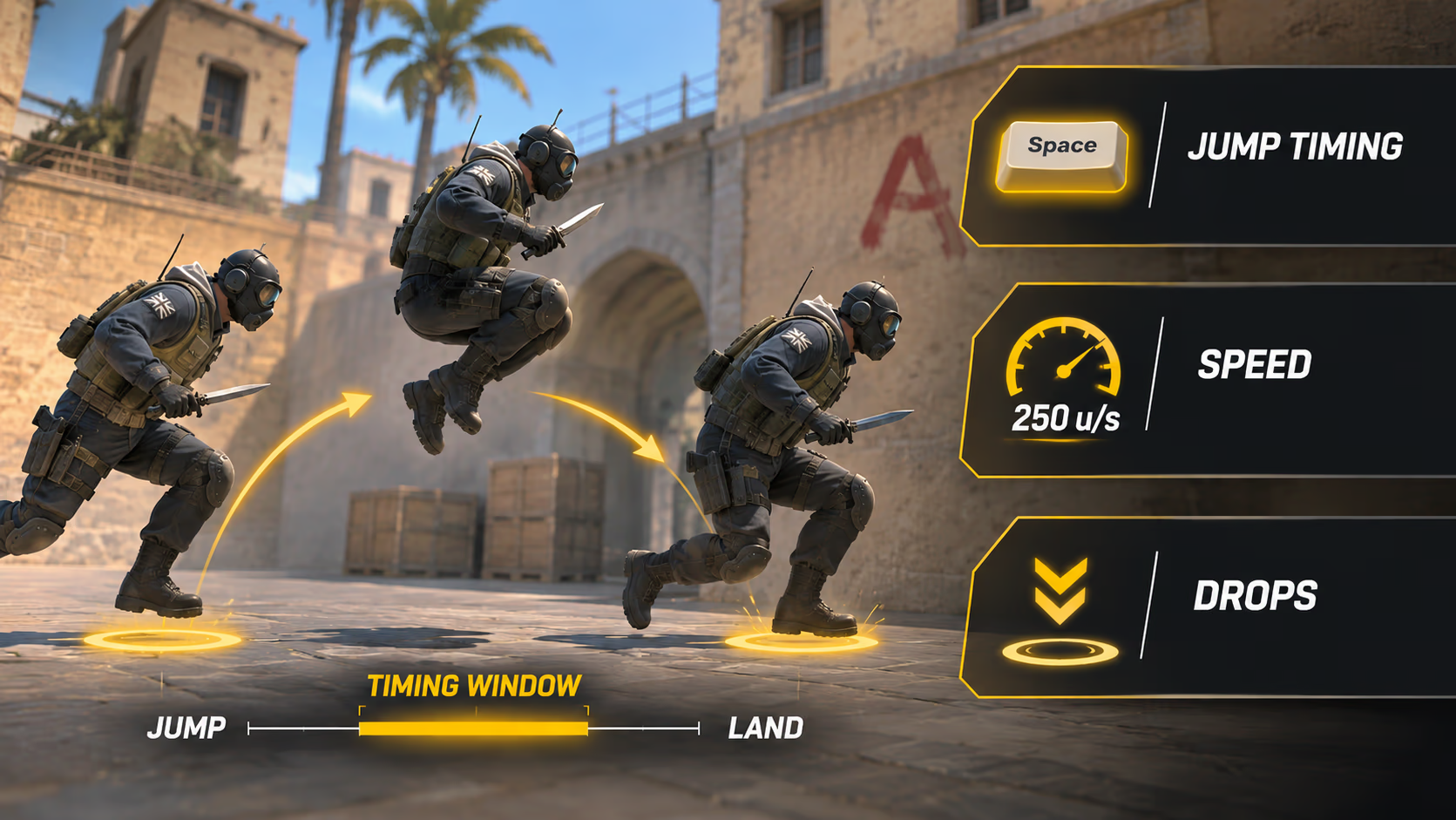
Jump timing. Press jump just before or after touchdown. Either can count within the timing window, but scrolling too fast can trigger the jump-spam penalty.
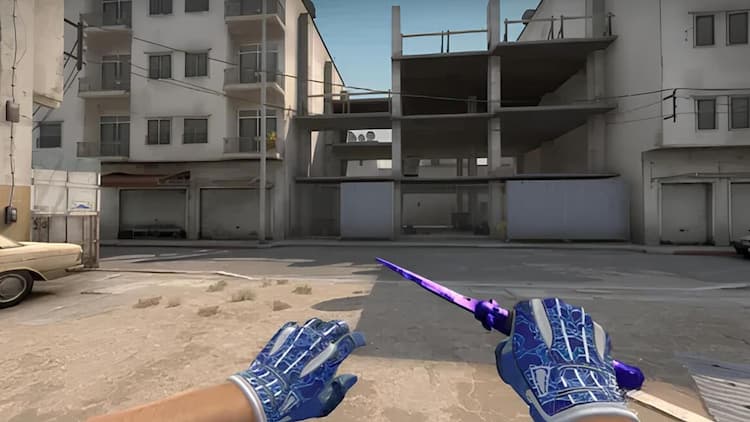
Speed. With your knife out, you run at 250 units per second. A clean hop helps carry that speed through a turn, but Premier caps how much momentum you can build.
Drops. Since Valve’s January 22 update, landing speed also depends on how fast you’re falling at impact.
Practice on flat ground first so each landing gives you the same timing cue.
Mouse Wheel Jump Binds for Manual Hops
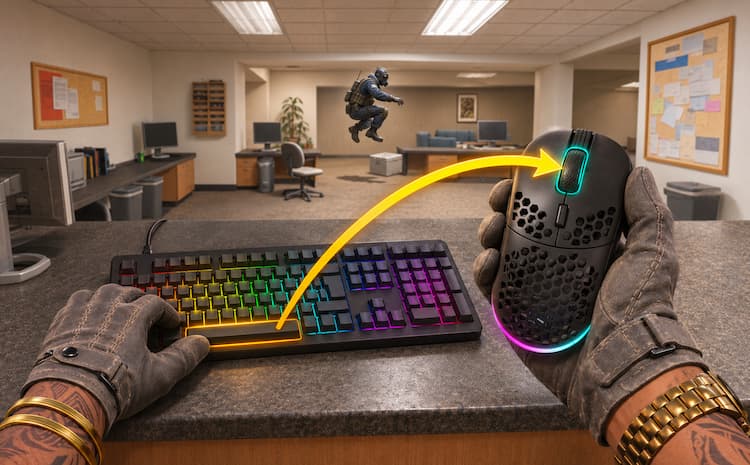
Open Settings > Game, set Enable Developer Console to Yes, then press the tilde key (~) to open it. Enter these commands on separate lines to put jump on scroll-down and keep Space available for ordinary jumps.
bind "mwheeldown" "+jump"
bind "space" "+jump"
Each wheel notch sends a jump input. A short scroll near touchdown gives you several chances to catch the landing window. If scrolling up feels more natural, use bind "mwheelup" "+jump" instead. For more binds check this page.
Linking Your First Two Bunnyhops
Find a flat lane with room to drift to either side. Equip your knife, hold W until you reach running speed, and press Space once. Release W as you leave the ground. Your forward momentum carries into the jump, leaving you free to steer with a side key and the mouse.
Match Each Air Strafe to Your Mouse Turn
Use one smooth turn per hop, as if you’re rounding the corner of a crate.
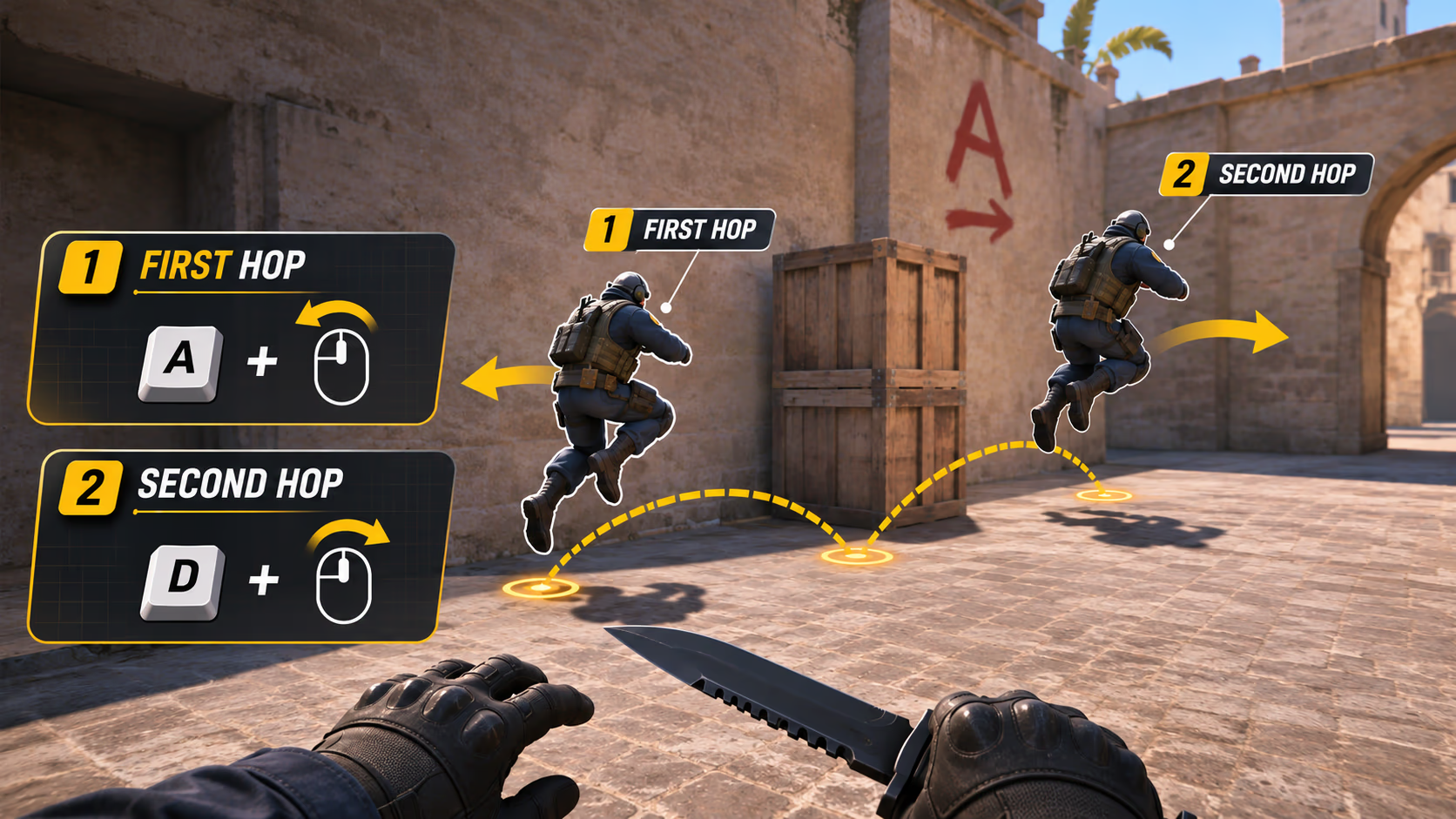
First hop: Hold A and ease the mouse left. If your crosshair swings all the way to the wall before you land, use a smaller sweep on the next attempt.
Second hop: As you jump again, release A and press D just as you start turning the mouse right.
Keep the turns shallow while you practice. That leaves you time to feel the landing and line up the next jump.
Time the Next Jump as You Land
Give the wheel a short scroll as your feet reach the floor. Waiting to hear the landing before reacting can leave you a step late. Equally, spinning the wheel from the top of the jump can send inputs close enough together to trigger the jump-spam penalty.
If you touch down and take a running step, repeat the same approach and scroll a little earlier. If the scroll ends while you’re still airborne, start it later. Keep the run-up and first turn consistent so you can tell whether the timing adjustment helped.
Private Server Commands for Manual Practice and Auto-Bhop
Launch a fresh map through Play > Practice. On your local server, enter the following commands one per line to use manual jumps, the normal jump-speed limit, and standard air acceleration. The final two lines enable the local movement readout.
sv_legacy_jump 0
sv_autobunnyhopping 0
sv_enablebunnyhopping 0
sv_airaccelerate 12
sv_cheats 1
cl_showpos 1
To practice steering alone, enter sv_autobunnyhopping 1 and hold Space. The server repeats the jumps for you. A separate setting, sv_enablebunnyhopping 1, allows speed beyond the usual limit. You can leave that second setting at 0 during steering drills. Both switches belong to the server, so changing them locally has no effect on Premier.
A 15-Minute Bhop Routine for Timing and Air Control
Start on flat ground and use the same run-up each time.
Minutes
Drill
What to check
0 to 3
Take one running jump at a time, alternating left and right turns.
Give your weaker side a few extra attempts.
3 to 7
Set sv_autobunnyhopping 1, keep sv_airaccelerate 12, and hold Space.
Steer between two floor markings in shallow curves. See how close you land to each mark.
7 to 12
Set sv_autobunnyhopping 0 and sv_enablebunnyhopping 0. Jump with Space, then scroll for the second hop.
Check your speed at the same point on each attempt.
12 to 15
Run around a crate or through a doorway once, then repeat with two hops.
Aim for the same landing spot each time.
On the final pass, land facing the angle you’d clear in a round.
Lead content creator at CSSpot, who transitioned from a semi-pro career — highlighted by multiple ESEA Entry runs — into the forefront of esports journalism.
In his work, FPS- combines his practical experience as a competitor with a clear and practical approach to journalism.
FAQ
How do I bind jump to the mouse wheel in CS2?
In Settings > Game, enable the developer console, then press ~ to open it. Enter bind "mwheeldown" "+jump" to jump by scrolling down. To use scroll-up instead, enter bind "mwheelup" "+jump". You can keep Space bound to jump as well.
Why do I lose speed when bunnyhopping in CS2?
If you take a running step between hops, your next jump input came too late. Scroll slightly earlier on the next attempt. If your scroll ends before you touch down, start it later. Practice on flat ground so each landing is easier to judge.
Can you bunnyhop in CS2 Premier without console commands?
Yes. Build speed with your knife out, jump, then release W. Hold A and turn left in the air. Jump again at touchdown, then hold D and turn right. A well-timed hop carries momentum through the turn, though Premier limits how much speed you can gain.