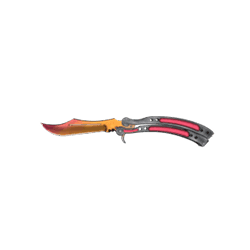
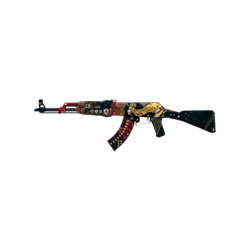
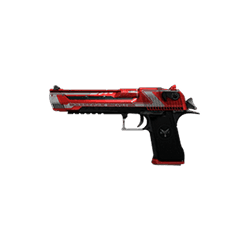
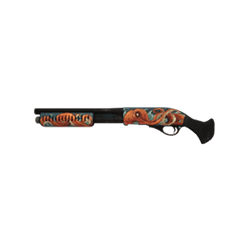
Want a juicier drop?Check the cases section and spin with no hassle. You can see what’s inside right away - pick a case that fits your taste and grab the drop.
Time to refresh your knife and glovesNo need to guess: open the site ranking, check the best sites and new modes. A couple of clicks, and your inventory feels brand new.
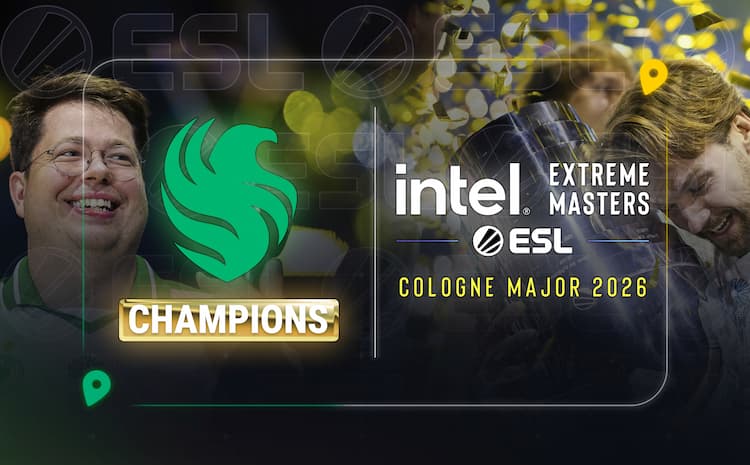
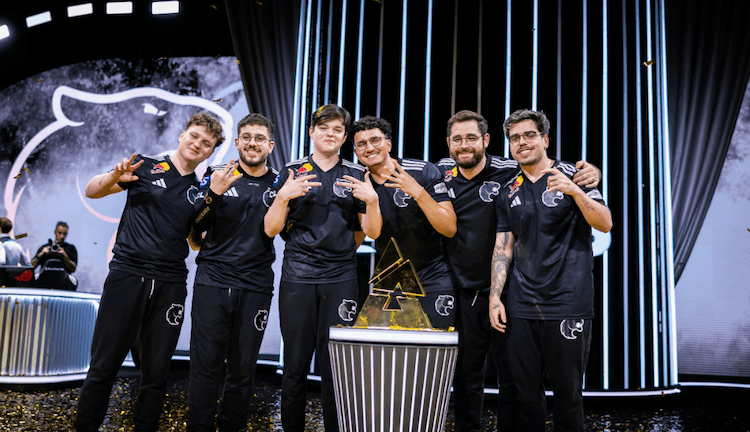
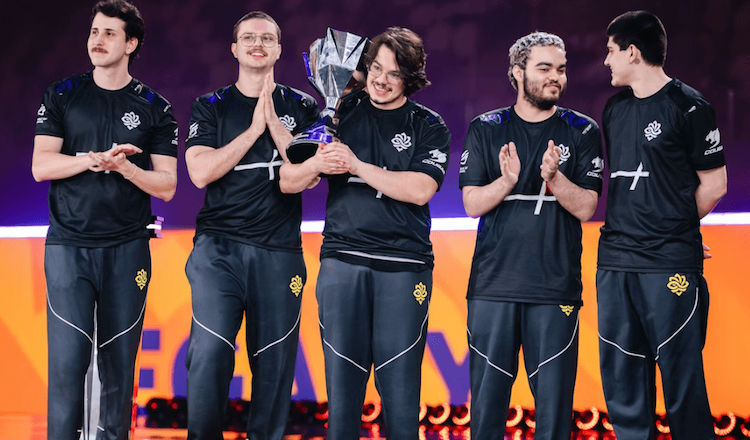
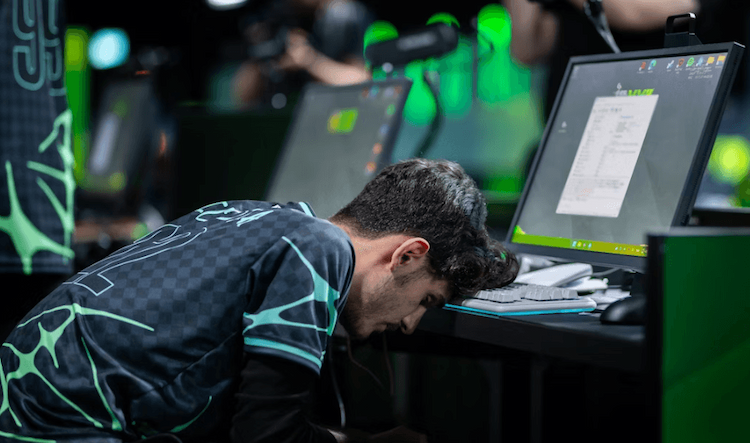
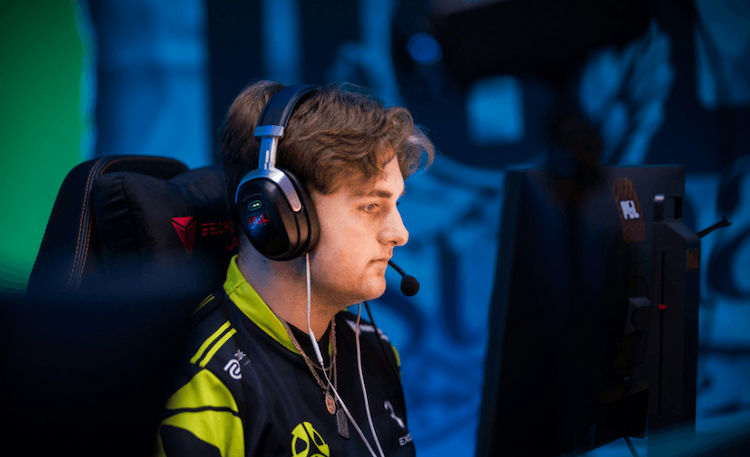
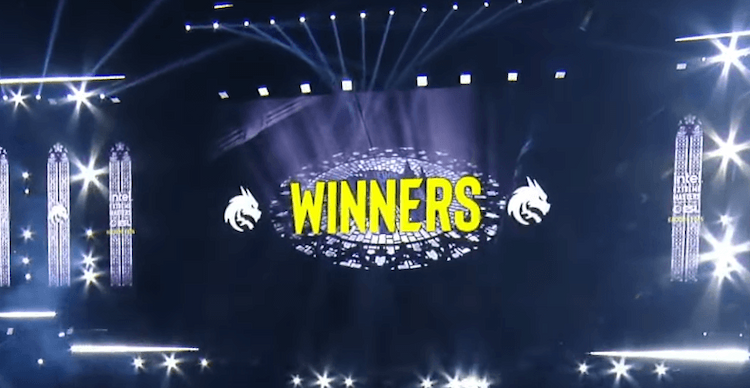
Falcons Claim Cologne Glory With a 3-0 Win Over FURIA
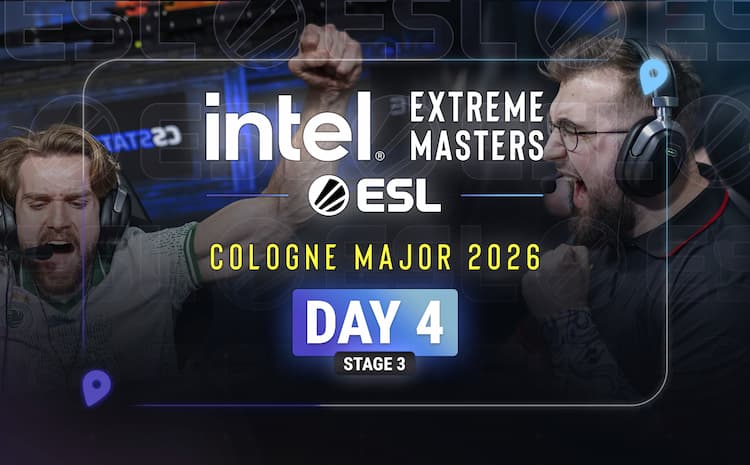
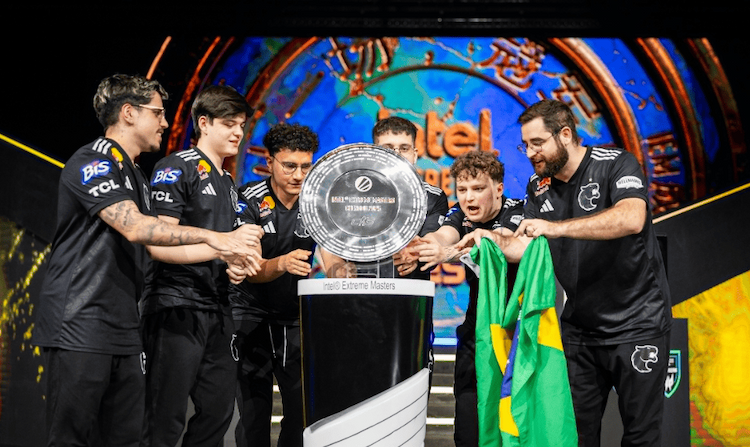
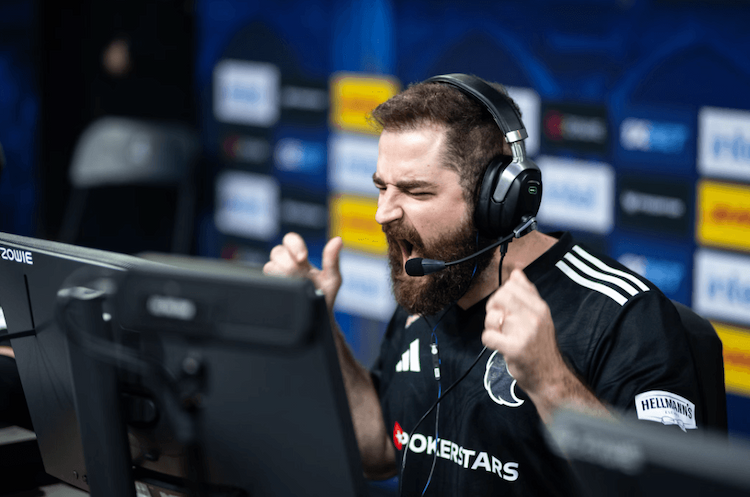
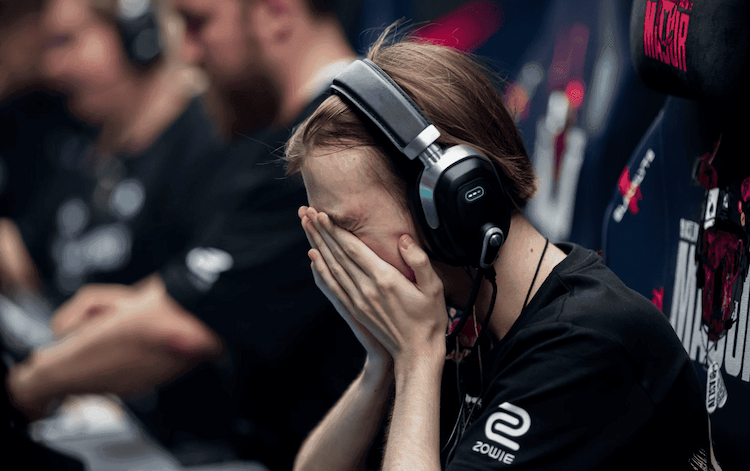
Falcons won the IEM Cologne Major 2026 with a clean 3-0 sweep over FURIA, taking Mirage, Anubis, and Inferno 13-8. NiKo led the final with a 1.43 rating, ending his long wait for a Major title, while m0NESY earned tournament MVP as the match set a new Counter-Strike viewership record.
Read the article
Lechoslaw Ziemski
Aurora and FURIA Break Through
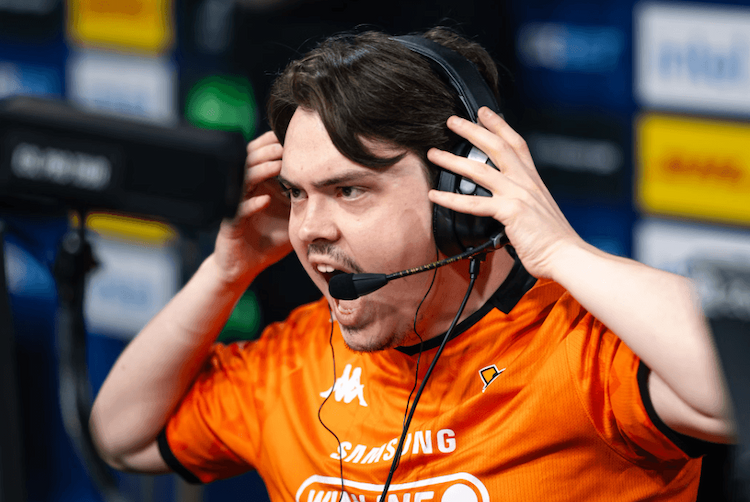
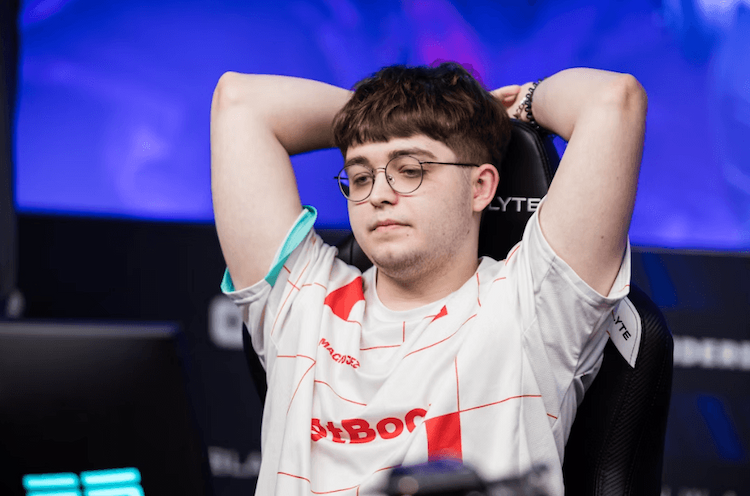
Aurora and FURIA advanced to the IEM Cologne Major semi-finals at LANXESS Arena. Aurora swept BetBoom 2-0 behind standout performances from Wicadia, XANTARES, and woxic. FURIA recovered from a Dust2 loss to beat 9z 2-1, powered by yuurih’s clutch impact. The two teams now meet for a place in the grand final.
Read the article
Lechoslaw Ziemski
Super DraculaN Season 1
Digital Crusade has revealed the groups for Super DraculaN Season 1, a 16-team CS2 LAN set for June 23-28 in Bucharest. GamerLegion, Sharks, Eternal Fire, FOKUS, and OG headline the field. Teams will compete through double-elimination groups, with the top three from each group advancing to the playoffs.
Read the article
DROPIK (dropik.app): обзор платформы кейсов CS2
Read the article
Lechoslaw Ziemski
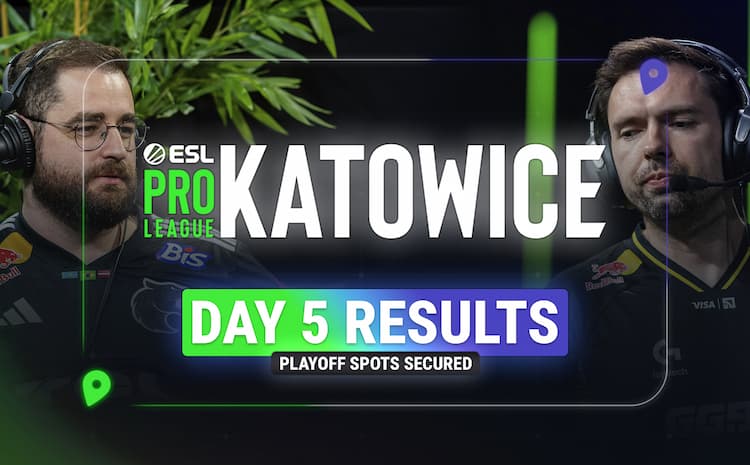
Cologne Major Stage 3 Day 5
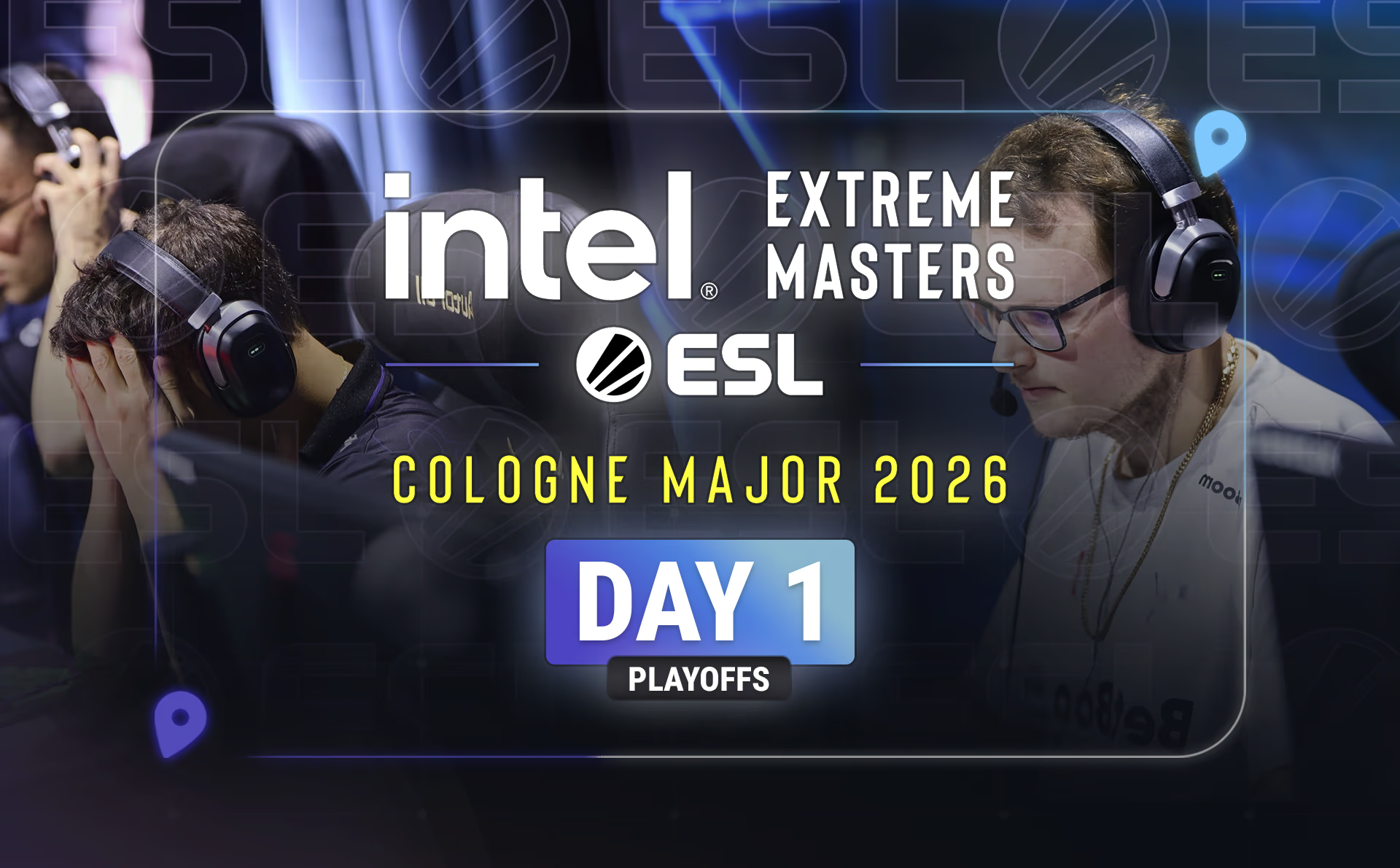
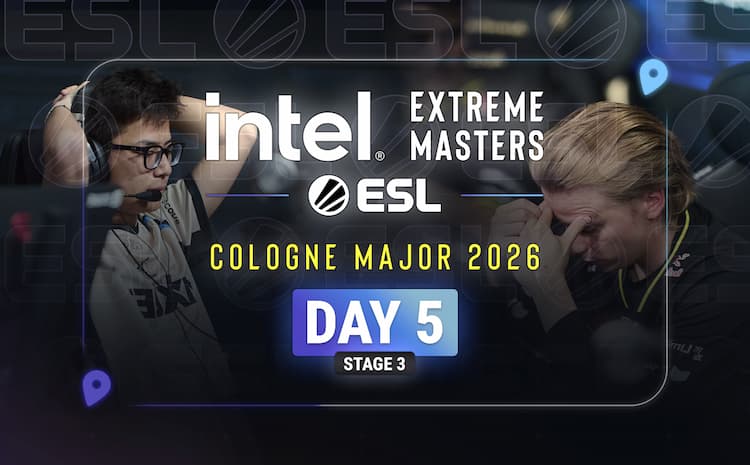
9z, BetBoom, and G2 completed the Cologne Major playoff field after winning their Stage 3 Day 5 deciders. 9z swept The MongolZ, BetBoom beat FUT behind Boombl4’s strong showing, and G2 eliminated NAVI to set up a quarter-final against Spirit. The LANXESS Arena bracket now features several title favorites on the same side.
Read the article
Lechoslaw Ziemski
IEM Cologne Major Stage 3
IEM Cologne Major Stage 3 reached a decisive point as Falcons, Vitality, and Aurora secured playoff spots at the LANXESS Arena. FUT, G2, and The MongolZ survived elimination matches, while MOUZ, Monte, and Legacy exited the event. The final Swiss round will decide the last three playoff places, with NAVI vs. G2 headlining the must-win matchups.
Read the article
Lechoslaw Ziemski
CS2 Patch Adds Price History to Cologne 2026 Major Shop
CS2’s latest update adds a seven-day sticker price range to the Cologne 2026 Major Shop, helping players track recent lows and highs before spending tokens. The patch also brings a sticker showcase to the Major Hub, multi-select support for Storage Units, cleaner number display in some languages, and a clearer full-inventory error for item redemptions.
Read the article
Lechoslaw Ziemski
IEM Cologne Major Stage 2 Final Day
Monte, Legacy, and B8 secured the final Stage 3 spots at IEM Cologne Major after a tense Stage 2 decider day. Monte swept paiN, Legacy dominated TYLOO to keep Brazil alive, and B8 completed a comeback against BIG. With Stage 3 ahead, all three teams now face tougher best-of-three battles.
Read the article
Lechoslaw Ziemski
IEM Cologne Major Stage 2 Day 2
Spirit and FUT secured Stage 3 spots after strong Day 2 wins at IEM Cologne, while G2 fell into a decisive clash against BIG. paiN and B8 stayed alive in elimination matches, FlyQuest and GamerLegion exited the tournament, and Astralis moved closer to elimination after a tough defeat to TYLOO.
Read the article
Lechoslaw Ziemski
IEM Cologne Major 2026 Stage 1 Day 3
MIBR, GamerLegion, and M80 secured Stage 2 spots at IEM Cologne Major 2026 after strong Day 3 wins. Meanwhile, Sharks, HEROIC, and THUNDER dOWNUNDER were eliminated. TYLOO, Liquid, FlyQuest, NRG, BIG, and Lynn Vision now enter the final 2-2 deciders, with only three Stage 2 places left.
Read the article
Lechoslaw Ziemski
IEM Cologne Major Stage 1 Day 2
Day 2 of the IEM Cologne Major saw BetBoom and B8 become the first teams to reach Stage 2. BetBoom swept GamerLegion with control, while B8 survived M80 in a tense overtime battle. SINNERS and Gaimin Gladiators exited at 0-3, leaving Round 4 packed with qualification and elimination stakes.
Read the article
Lechoslaw Ziemski
IEM Cologne Major Stage 1 Day 1
IEM Cologne Major Stage 1 started with BO1 chaos. THUNDER dOWNUNDER and Sharks delivered early upsets, breaking plenty of Pick’Ems, while M80, B8, GamerLegion, and BetBoom moved into the 2-0 group. HEROIC, SINNERS, TYLOO, and Gaimin Gladiators now face elimination pressure after a rough Day 1.
Read the article
Lechoslaw Ziemski
IEM Cologne Major Stage 1 Format
IEM Cologne Major Stage 1 starts on June 2 with 16 teams fighting for eight Stage 2 spots through a five-round Swiss format. The first two rounds are BO1, while qualification and elimination matches move to BO3. GamerLegion, B8, BetBoom, MIBR, Liquid, HEROIC, BIG, and others headline the field, with BetBoom opening against Gaimin Gladiators while using a stand-in.
Read the article
Lechoslaw Ziemski
IEM Cologne 2026 Major Stage 1 Opening Matches Set
IEM Cologne 2026 Major Stage 1 starts June 2 with BIG vs Liquid leading the opening matches. The Swiss stage features Bo1 openers, Bo3 advancement and elimination games, and 16 teams fighting for eight Stage 2 spots.
Read the article
Lechoslaw Ziemski
Valve Launches IEM Cologne 2026 Major Stickers With New Buying System
Valve has launched IEM Cologne 2026 Major stickers and the Viewer Pass, but the big story is how buying works now. Instead of opening capsules and hoping for a lucky pull, CS2 players can use tokens to buy the stickers they want, with prices changing by demand. Check the details before you spend.
Read the article
Lechoslaw Ziemski
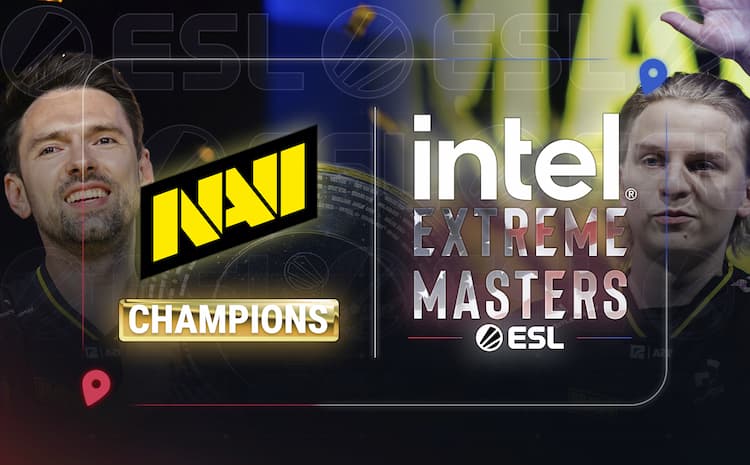
NAVI Close IEM Atlanta 2026 With a Dominant Title Run
NAVI won IEM Atlanta 2026 after a clean 3-0 sweep over GamerLegion in the grand final. w0nderful led the team with a standout performance and earned his first career MVP award. Legacy also finished strong, taking third place with a dominant 2-0 win over BetBoom.
Read the article
Lechoslaw Ziemski
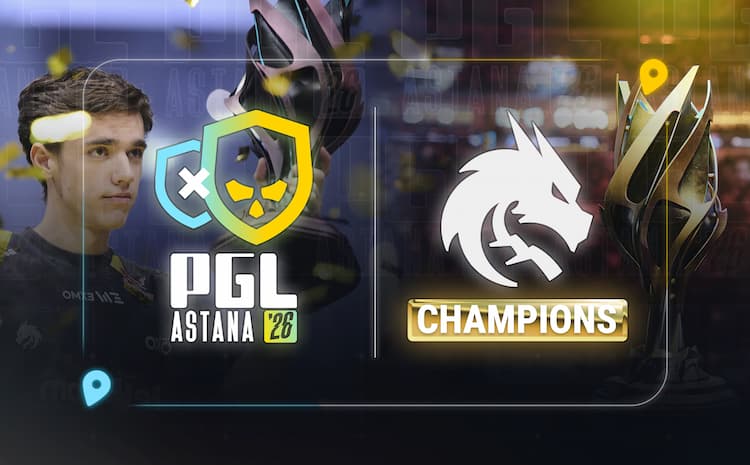
Spirit Defend the PGL Astana Crown on Final Day
Spirit beat Falcons 3-0 to win PGL Astana for the second time in a row. donk led the final and earned MVP honors, while tN1R also delivered key rounds for Spirit. MOUZ finished third after a clean 2-0 win over magic, closing the event’s final day with another strong result.
Read the article
Lechoslaw Ziemski
Esports World Cup 2026 Reportedly Moves From Riyadh to Paris
EWC 2026 is reportedly moving from Riyadh to Paris, bringing a bigger CS2 event with 32 teams and a $2 million prize pool. The tournament is expected to run from August 12-23, with invites based on Valve Regional Standings, regional slots, and a LAN open qualifier. Some details still need confirmation.
Read the article
Lechoslaw Ziemski
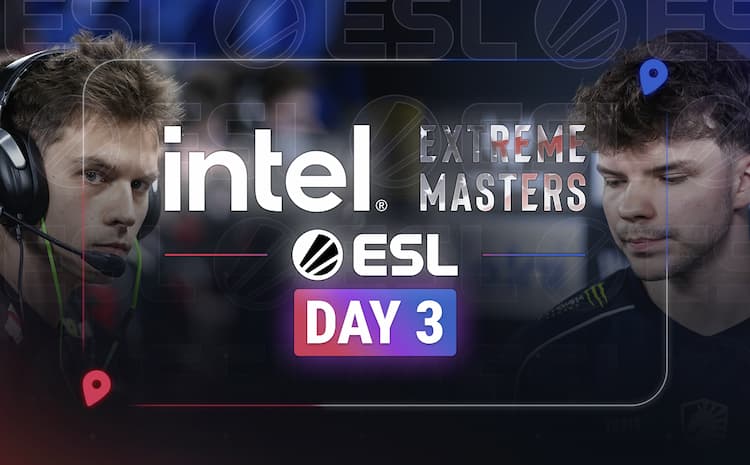
IEM Atlanta 2026 Day 3 Recap
IEM Atlanta 2026 Day 3 locked in the playoff bracket. Vitality survived the lower bracket with wins over FaZe and B8, while GamerLegion eliminated Liquid and Astralis. BetBoom and Legacy earned direct semi-final spots, leaving NAVI vs Vitality as the biggest quarter-final clash. The group stage is over, and every remaining map now carries huge pressure.
Read the article
Lechoslaw Ziemski
PGL Astana 2026 Group Stage Ends with G2, Aurora, and magic Advancing
G2, Aurora, and magic secured the final playoff spots at PGL Astana 2026 after a tense last Swiss round. magic completed a comeback from 0-2, G2 crushed Monte behind a huge NertZ performance, and Aurora edged The MongolZ in two close maps. The playoffs now bring Spirit vs G2 and Falcons vs FURIA.
Read the article
Lechoslaw Ziemski
IEM Atlanta 2026 Day 2
IEM Atlanta 2026 Day 2 brought major upsets as BetBoom stunned Vitality, while paiN, NAVI, and Legacy secured playoff spots. FaZe, B8, Liquid, and SINNERS survived elimination matches, as BC.Game, NRG, M80, and Passion UA exited. The playoff race is now wide open.
Read the article
Lechoslaw Ziemski
Playoff Race Tightens on PGL Astana 2026 Day 4
PGL Astana 2026 Day 4 tightened the playoff race: MOUZ, Falcons and FURIA advanced at 3-1, while HEROIC, The Huns and PARIVISION were eliminated. With three playoff spots left, Gentle Mates vs magic, Monte vs G2, and The MongolZ vs Aurora will decide the final qualifiers.
Read the article
Lechoslaw Ziemski
IEM Atlanta 2026 Day 1
paiN shocked FaZe 2-0 at IEM Atlanta 2026, while Liquid, NRG, M80 and Passion UA fell into early elimination matches after a chaotic Day 1.
Read the article
Lechoslaw Ziemski
PGL Astana 2026 Day 3 Recap
9z and Spirit reached the PGL Astana 2026 playoffs, while Aurora, Falcons, magic, FURIA, and others head into tense Day 4 qualification and elimination matches.
Read the article
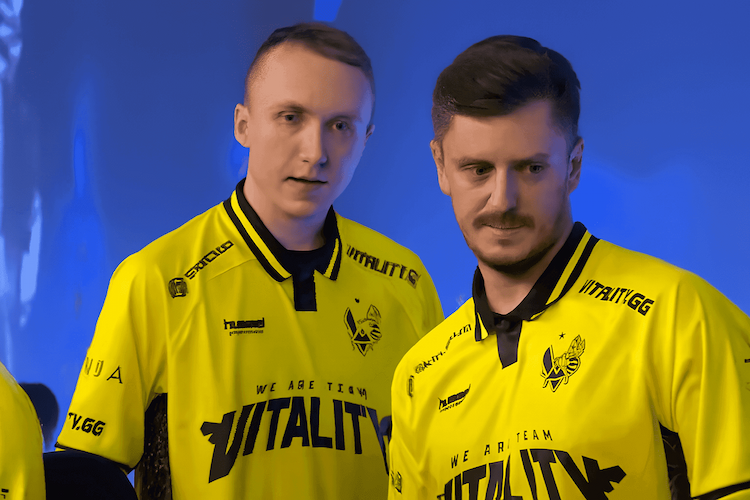
Vitality Sweep NAVI in Fort Worth
Vitality swept NAVI 3-0 at BLAST Rivals Fort Worth, winning Nuke, Anubis, and Dust2 to claim a fifth straight title. ZywOo earned MVP after a close race with ropz and flameZ, while NAVI’s blown 11-0 lead on Nuke became the turning point.
Read the article
Lechoslaw Ziemski
BLAST Rivals Fort Worth Day 1
BLAST Rivals Fort Worth opened with drama as Vitality narrowly survived FUT, G2 swept Astralis, NAVI beat FaZe, and GamerLegion shocked FURIA. Day 1 pushed favorites into tough spots, set up key upper-bracket finals, and left FUT, Astralis, FaZe, and FURIA fighting for survival.
Read the article
Valve Brings Cache Back to CS2 in Latest Update
Valve’s latest CS2 update brings Cache back to Competitive, Casual, Deathmatch, and Retakes, though not Premier or Active Duty yet. The rework removes mid window, updates several other maps, and shows strong early FPS gains over the Workshop version. Valve also added animation, sound, shader, and weapon-handling fixes to improve everyday gameplay.
Read the article
Monte Win CCT Season 3 Global Finals
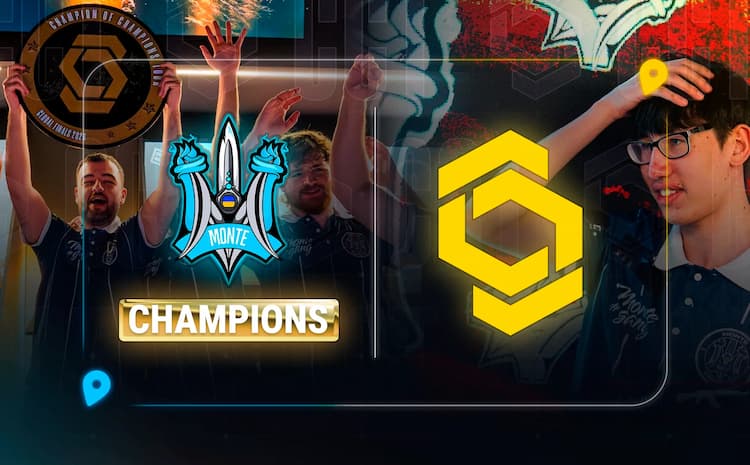
Monte got revenge over HEROIC in the CCT Season 3 Global Finals, winning the grand final 3-1 after losing to them earlier in the playoffs. The series included a 13-0 stomp on Nuke, a comeback on Dust2, HEROIC’s Inferno reply, and Monte’s close Ancient finish. afro led the way with a standout AWP performance as Monte lifted the trophy.
Read the article
Stake Ranked Field Takes Shape as StarLadder Locks In the 2026 Roadmap
StarLadder’s 2026 Stake Ranked roadmap is set. Episode 2, running May 27–30, will feature six invited teams—9z, HEROIC, Alliance, 3DMAX, FaZe and NiP—with two more spots decided through open and closed qualifiers. The season continues with Episodes 3–6 from July through November.
Read the article
Vitality Turns Project H Into an Official CS2 Academy Team
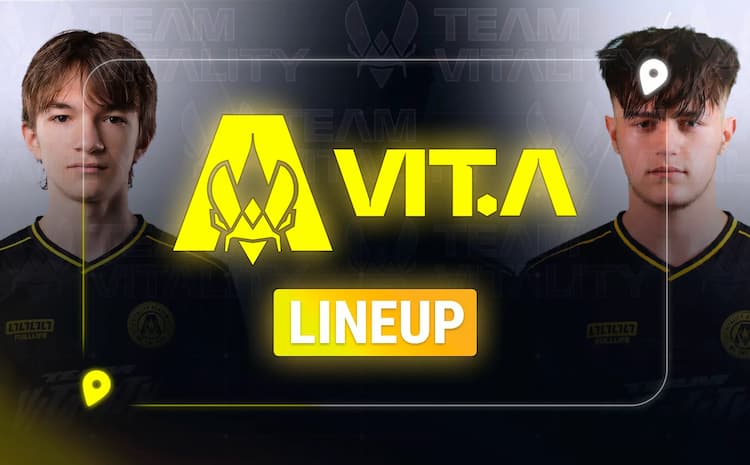
Vitality has officially turned Project H into its first CS2 academy team, giving a promising young roster a clear path under the org’s full support. Led by coach VdaK1NG, the team already shows potential through strong structure, notable talent like Katkame, and early competitive promise.
Read the article
Falcons hand the reins to karrigan after kyxsan’s benching
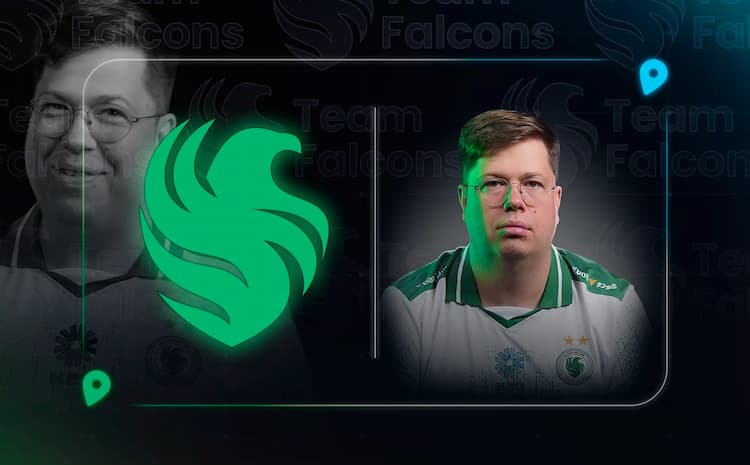
Falcons benched kyxsan and signed karrigan to lead a star-studded CS2 roster. Despite one trophy and several finals under kyxsan, the team wanted stronger late-game leadership. The move reunites karrigan with NiKo and starts a new era ahead of PGL Astana.
Read the article
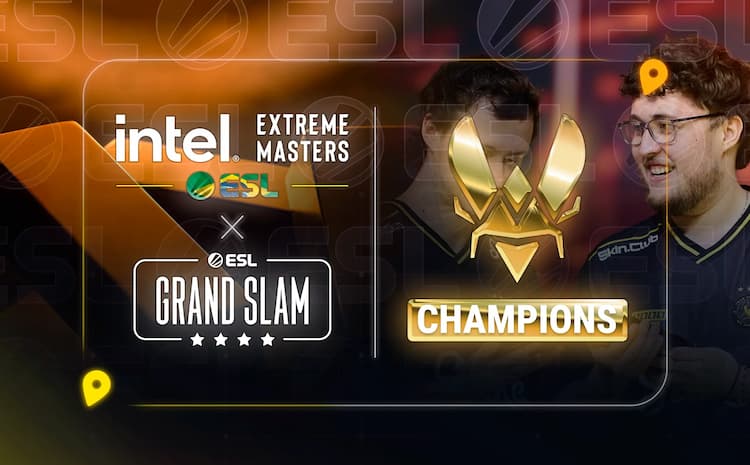
Vitality Complete a Historic Run at IEM Rio 2026
Vitality beat Spirit 3-0 to win IEM Rio 2026, edging tight maps on Mirage and Nuke before dominating Dust2. The victory brought them $125,000, a second ESL Grand Slam, and stronger claims as one of CS2’s greatest teams. ZywOo earned another MVP after an outstanding playoff run, while ropz posted the best numbers in the final. Vitality’s path to the title also included wins over NAVI and FURIA after an earlier group-stage loss to Falcons.
Read the article
IEM Rio 2026 Day 3
IEM Rio 2026 Day 3 turned the event upside down. MOUZ bounced back by sweeping Aurora, FURIA thrilled the home crowd with wins over NAVI and MOUZ to reach the semi-finals, and Spirit survived a lower-bracket scare to eliminate G2. Aurora also advanced after beating B8. The biggest shock came from Falcons, who ended Vitality’s 18-match winning streak and secured a direct semi-final berth, making the title race feel wide open.
Read the article
NIP Overhaul Their AWP Role with stavn Replacing r1nkle
NIP have benched r1nkle and signed stavn as their new main AWPer after missing IEM Cologne. The change seems driven more by role needs than poor individual form, as r1nkle still posted solid numbers despite several close losses. stavn returns after eight months away, bringing top-level experience, familiarity with key teammates, and a fresh look for the AWP role. NIP hope the move improves late-round stability and helps prevent more narrow defeats.
Read the article
IEM Rio 2026 Group Stage Day 2
Day 2 of IEM Rio 2026 locked playoff spots for Vitality, Falcons, FURIA, and MOUZ, while Liquid, Legacy, Passion UA, and Gentle Mates were eliminated. The group stage tightened fast, with major upsets, standout performances, and do-or-die lower-bracket wins shaping Day 3, where semifinal seeding and the last survival spots will be decided.
Read the article
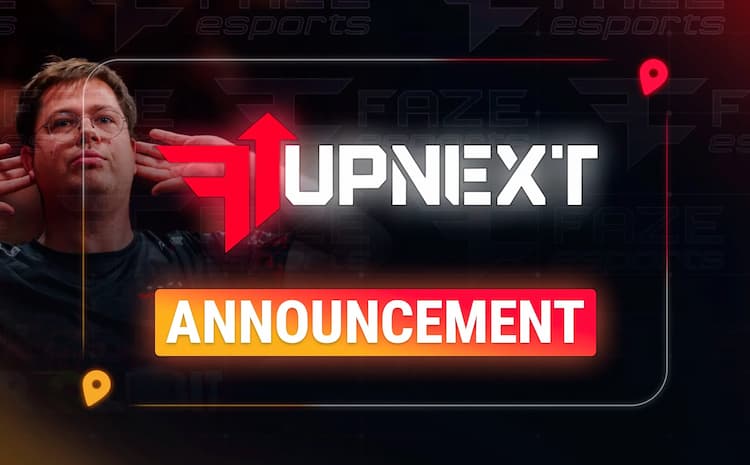
FaZe Unveils “FaZe Up Next”
FaZe has launched FaZe Up Next, a CS2 academy project designed to develop young talent through structured practice and official matches. The goal is to build a pipeline into FaZe’s main roster and strengthen its long-term depth. While FaZe has confirmed the program, it has not yet revealed the roster, coach, tournament plans, or timeline for the team’s full debut.
Read the article
IEM Rio 2026 Group Stage Starts
IEM Rio 2026 Day 1 delivered clear statements and early drama. Falcons pulled off the biggest comeback, NAVI crushed B8 with a 13-0 on Ancient, and Vitality looked like the team to beat behind another huge ZywOo performance. G2, FURIA, MOUZ, and Aurora also advanced, setting up headline matchups that already make the next round feel high-pressure.
Read the article
PGL Singapore Major 2026 Changes the Playoff Finish and Qualification Race
PGL Singapore Major 2026 adds a third-place match on Grand Final Day and sets November 2 as the VRS cutoff, keeping qualification open later than usual. Teams must confirm details by November 6 and submit tournament items by November 9. The 32-team, $1.25M event runs November 25 to December 13, with playoffs at Singapore Indoor Stadium.
Read the article
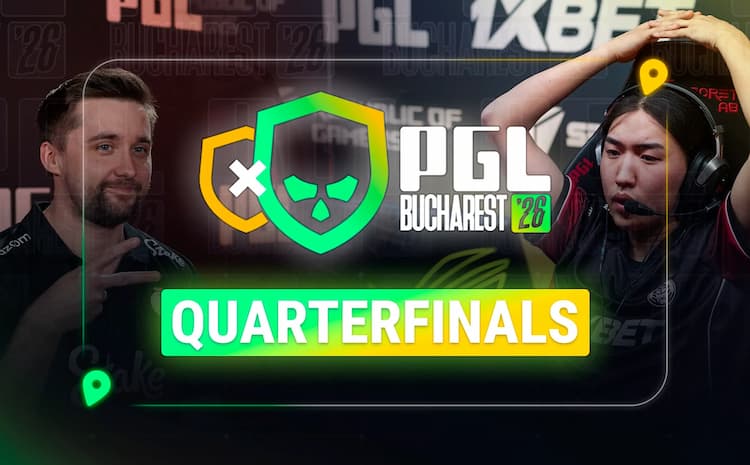
PGL Bucharest 2026 Quarterfinal Roundup
3DMAX, Astralis, FUT, and The MongolZ advanced to the PGL Bucharest 2026 semi-finals after four very different quarterfinal wins. 3DMAX and Astralis survived tough three-map series, FUT edged B8 in a tighter-than-expected 2-0, and The MongolZ completed a strong reverse sweep over PARIVISION. The semi-final matchups are now set: 3DMAX vs Astralis and FUT vs The MongolZ.
Read the article
PGL Bucharest 2026 Moves Into the Playoffs
The chaotic Swiss stage at PGL Bucharest 2026, highlights EYEBALLERS, B8, and PARIVISION securing the final playoff spots, and why FUT and Astralis enter as the strongest teams. A break down of the quarterfinal matchups and key storylines, including EYEBALLERS’ veteran-led run and PARIVISION’s shaky form heading into playoffs.
Read the article
PGL Bucharest 2026 Day 4
A concise recap of PGL Bucharest 2026 Day 4, highlighting playoff qualification for 3DMAX, The MongolZ, and MIBR, key player performances, BC.Game’s elimination, and the final Swiss-stage matchups that will decide the last three playoff spots.
Read the article
PGL Bucharest 2026 Day 3
Day 3 of PGL Bucharest 2026 saw Astralis and FUT secure playoff spots with perfect 3-0 records, while FaZe suffered a shocking 0-3 elimination. MIBR, Wildcard, EYEBALLERS, and 3DMAX moved one win away from the playoffs, and BC.Game stayed alive in the lower bracket. The recap also highlights top performers and previews the crucial Day 4 qualification and elimination matches.
Read the article
IEM Cologne 2026 Major Field Is Complete
IEM Cologne 2026’s 32-team Major field is now set after a chaotic final invite race. Late LAN results pushed BIG, SINNERS, and Liquid over the line, while big names like FaZe and Passion UA missed out. With invites locked through the April 6 VRS cutoff, the road to Cologne is officially complete.
Read the article
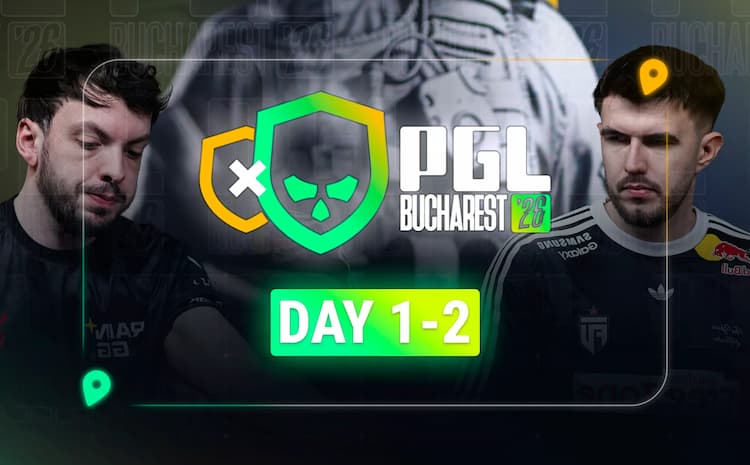
PGL Bucharest 2026 Day 1-2 Recap
PGL Bucharest 2026 heated up quickly after two days, with Astralis, FUT, PARIVISION, and The MongolZ leading the Swiss stage at 2-0. The recap highlights key upsets, standout performances, FaZe’s unusual 0-2 start by forfeit, and the growing pressure as playoff spots and elimination matches loom on day three.
Read the article
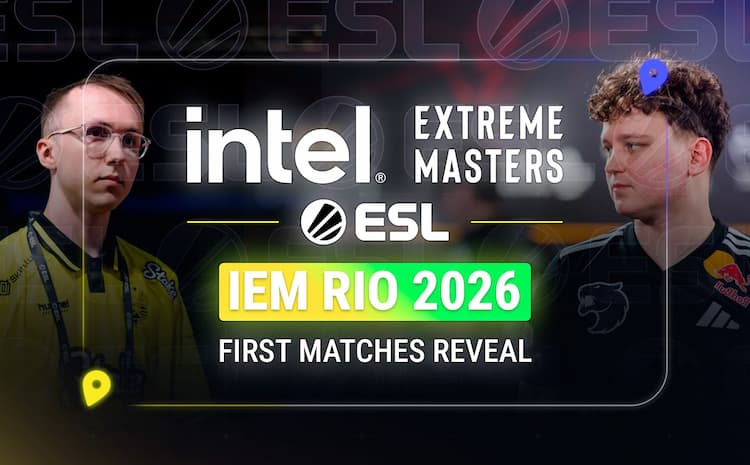
IEM Rio 2026 Opening Matchups Revealed
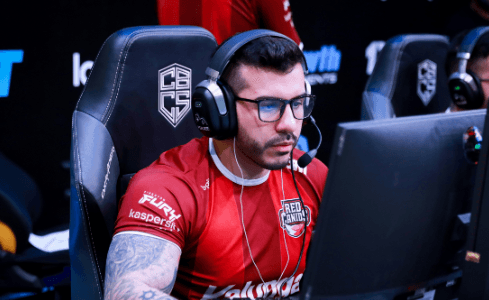
ESL has announced the opening matchups for IEM Rio 2026, with a stacked first round featuring Vitality vs. RED Canids, NAVI vs. B8, and Spirit vs. Liquid. The 16-team event begins April 13 in a double-elimination group stage, with several rematches and high-pressure clashes already set to shape the road to the playoffs.
Read the article
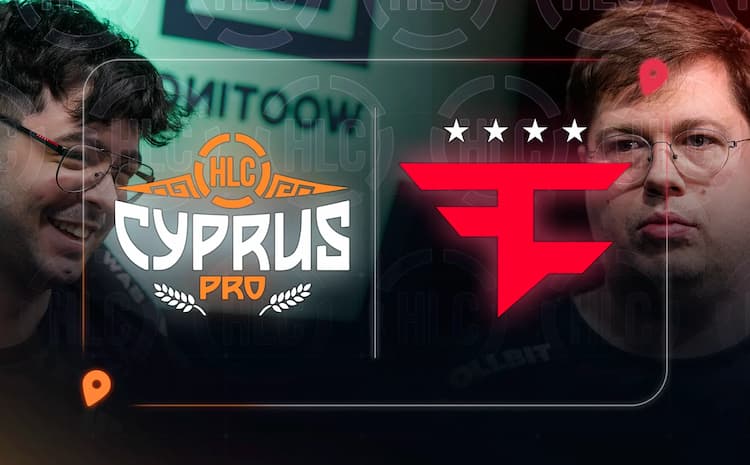
FaZe Turn to Belgrade for One More Shot at Saving Their Cologne Dream
FaZe’s Cologne hopes hang by a thread after a poor DraculaN run pushed them toward HLC Belgrade PRO, their final chance to earn VRS points before the April 6 cutoff. But with PGL Bucharest overlapping, the team faces a tense, high-stakes decision in a race they cannot afford to lose.
Read the article
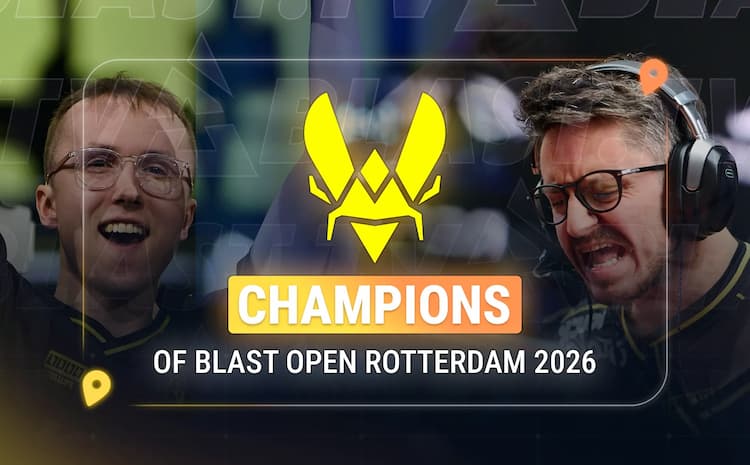
Vitality Crowned BLAST Open Rotterdam 2026 Champions
Vitality won BLAST Open Rotterdam 2026 with a commanding 3-0 sweep over NAVI, highlighted by ropz’s MVP performance and the team’s third straight trophy. The victory extended Vitality’s dominant run and reinforced their status as Counter-Strike’s hottest team heading into the next stage of the season.
Read the article
IEM Cologne 2026 Major Invite Battle
As April 6 approaches, the IEM Cologne 2026 invite race is heating up. SINNERS’ Bucharest win reshaped the standings, while FaZe, BIG, HEROIC, and other contenders are still battling for safe Major invite spots before the VRS lock.
Read the article
Wildcard Steps Into PGL Bucharest 2026
Wildcard will replace The Huns at PGL Bucharest 2026 after the Mongolian team withdrew due to a scheduling clash with another event in Shanghai. The late change keeps the 16-team lineup intact and gives Wildcard a major opportunity to prove itself on a bigger international stage.
Read the article
Lechoslaw Ziemski
BLAST Rotterdam 2026 Group Stage Deciders
BLAST Rotterdam 2026’s group stage ended with NAVI and Vitality securing direct semifinal spots, while Falcons and The MongolZ won their decider matches to reach the playoffs. The text highlights key results, standout players like ZywOo and m0NESY, and the confirmed playoff bracket as the event moves to Rotterdam’s Ahoy Arena.
Read the article
BLAST Rotterdam’s Last Group-Stage Contenders Set for Playoff Deciders
BLAST Rotterdam’s group-stage playoff deciders are set after Falcons, FURIA, Spirit, and The MongolZ survived elimination matches. Falcons and FURIA advanced in Group A, while Spirit and The MongolZ moved on in Group B, powered by standout performances from NiKo, molodoy, donk, and mzinho. Now, two do-or-die series will decide the final teams heading to the arena stage and keeping their title hopes alive.
Read the article
Lechoslaw Ziemski
BLAST Open Rotterdam 2026 Day 2
Recap of BLAST Open Rotterdam Day 2, where PARIVISION, Spirit, The MongolZ, and Vitality all advanced. The piece highlights key results, standout players, and what each match means as the bracket tightens and pressure builds on the remaining teams.
Read the article
Lechoslaw Ziemski
BLAST Open Rotterdam 2026 Day 1
BLAST Open Rotterdam 2026 began with statement wins from Falcons, NAVI, Aurora, and FURIA, each advancing in different fashion. From clean sweeps to tense three-map battles, day one delivered strong individual performances, close maps, and early pressure for teams already struggling this season.
Read the article
CS2 Reloading Overhaul
A concise overview of Valve’s March 18, 2026 CS2 update, covering the new reload system, ammo changes, map guides, and easier access to custom games.
Read the article
CS2 January 22, 2026 Update: Premier Season 4 Begins and Anubis Gets a Rework
CS2 January 22, 2026 Update: Premier Season 4 Begins and Anubis Gets a Rework
Read the article
Lechoslaw Ziemski
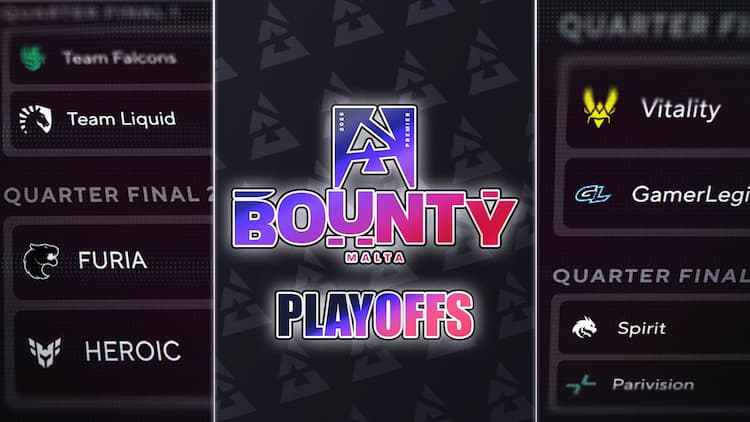
BLAST Bounty 2026 Finals: Quarter-final Draft Locks In the Opening Bracket
BLAST Bounty 2026 Finals: Quarter-final Draft Locks In the Opening Bracket
Read the article
Eternal Fire finalize international roster with Sergiy “DemQQ” Demchenko
Eternal Fire finalize international roster with Sergiy “DemQQ” Demchenko
Read the article
Falcons to Compete at BLAST Bounty Finals Without Coach zonic
Falcons to Compete at BLAST Bounty Finals Without Coach zonic
Read the article
Lechoslaw Ziemski
BLAST Bounty 2026 Season 1 Online Stage: Results, Bracket Recap, and LAN Finals Qualifiers
BLAST Bounty 2026 Season 1 Online Stage: Results, Bracket Recap, and LAN Finals Qualifiers
Read the article
CS2 Rostermania 2026: Key Transfers and the VRS Domino Effect
CS2 Rostermania 2026: Key Transfers and the VRS Domino Effect
Read the article
Lechoslaw Ziemski
Astralis reboot begins as device and Magisk exit
Astralis reboot begins as device and Magisk exit
Read the article
Lechoslaw Ziemski
Aurora’s 2026 roster reset: jottAAA benched as soulfly joins
Aurora’s 2026 roster reset: jottAAA benched as soulfly joins
Read the article
Gla1ve is a New 100 Thieves Head Coach: What the Move Means
Gla1ve is a New 100 Thieves Head Coach: What the Move Means
Read the article
Spirit’s roster reshuffle: magixx & zont1x return, chopper & zweih moved to the bench
Spirit’s roster reshuffle: magixx & zont1x return, chopper & zweih moved to the bench
Read the article
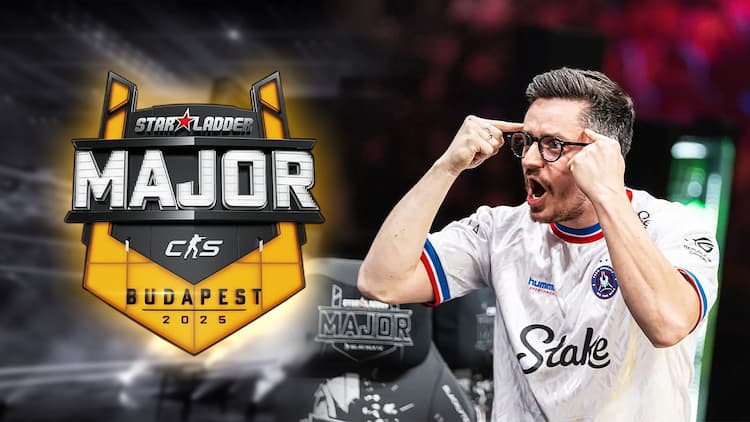
StarLadder Budapest Major 2025 Winners: Champions, Final Standings, and Highlights
StarLadder Budapest Major 2025 Winners: Champions, Final Standings, and Highlights
Read the article
Results of the First Day of StarLadder Budapest Major 2025 (Stage 1)
Results of the First Day of StarLadder Budapest Major 2025 (Stage 1)
Read the article
StarLadder Budapest Major 2025 Begins — the Main Event of the Year
StarLadder Budapest Major 2025 Begins — the Main Event of the Year
Read the article
Chr1zN may move from OG to HEROIC to replace LNZ
Chr1zN may move from OG to HEROIC to replace LNZ
Read the article
sAw revealed G2’s plans for the Major and assessed the potential of the updated roster
sAw revealed G2’s plans for the Major and assessed the potential of the updated roster
Read the article
FURIA won the BLAST Rivals 2025 Season 2 finals — 3:1 over Falcons
FURIA won the BLAST Rivals 2025 Season 2 finals — 3:1 over Falcons
Read the article
Lechoslaw Ziemski
BLAST Rivals 2025 — Season 2 Semifinals: Falcons and FURIA Reach the Grand Final
BLAST Rivals 2025 — Season 2 Semifinals: Falcons and FURIA Reach the Grand Final
Read the article
Lechoslaw Ziemski
BLAST Rivals 2025 Season 2 — Quarterfinal Results: paiN Defeats Passion UA, Vitality Edges Out Spirit
BLAST Rivals 2025 Season 2 — Quarterfinal Results: paiN Defeats Passion UA, Vitality Edges Out Spirit
Read the article
rain has joined 100 Thieves as the organization returns to CS2
rain has joined 100 Thieves as the organization returns to CS2
Read the article
Lechoslaw Ziemski
BLAST Rivals 2025 Season 2: Day 1 Results — Favorites Start Strong
BLAST Rivals 2025 Season 2: Day 1 Results — Favorites Start Strong
Read the article
Lechoslaw Ziemski
BLAST Rivals 2025 Season 2 kicks off tomorrow in Hong Kong
BLAST Rivals 2025 Season 2 kicks off tomorrow in Hong Kong
Read the article
IEM Chengdu 2025: FURIA defeats Vitality and becomes tournament champion
IEM Chengdu 2025: FURIA defeats Vitality and becomes tournament champion
Read the article
IEM Chengdu 2025: Vitality and FURIA reach the grand final
IEM Chengdu 2025: Vitality and FURIA reach the grand final
Read the article
IEM Chengdu 2025: Quarterfinal Results — Vitality Defeats Astralis, FURIA Advances Past The MongolZ
IEM Chengdu 2025: Quarterfinal Results — Vitality Defeats Astralis, FURIA Advances Past The MongolZ
Read the article
IEM Chengdu 2025 Group Stage Results
IEM Chengdu 2025 Group Stage Results
Read the article
IEM Chengdu 2025 — Results of Day Two: Who Was Eliminated and Who Still Fights for the CS2 Playoffs
IEM Chengdu 2025 — Results of Day Two: Who Was Eliminated and Who Still Fights for the CS2 Playoffs
Read the article
IEM Chengdu 2025: First Day Recap — Favorites Win, Astralis Shocks
IEM Chengdu 2025: First Day Recap — Favorites Win, Astralis Shocks
Read the article
Lechoslaw Ziemski
Aurora crowned champions of PGL Masters Bucharest 2025
Aurora crowned champions of PGL Masters Bucharest 2025
Read the article
PGL Masters Bucharest 2025: Group Stage Completed — Playoffs Participants Announced
PGL Masters Bucharest 2025: Group Stage Completed — Playoffs Participants Announced
Read the article
Dramatic twists at PGL Masters Bucharest 2025: recap of the last two match days
Dramatic twists at PGL Masters Bucharest 2025: recap of the last two match days
Read the article
PGL Masters Bucharest 2025: Day Two — Surprises and Fight for Survival
PGL Masters Bucharest 2025: Day Two — Surprises and Fight for Survival
Read the article
Fiery Start at PGL Masters Bucharest 2025: Day 1 Results
Fiery Start at PGL Masters Bucharest 2025: Day 1 Results
Read the article
PGL Masters Bucharest 2025: 16 of the world’s best teams to battle for $1.25M in Romania’s capital
PGL Masters Bucharest 2025: 16 of the world’s best teams to battle for $1.25M in Romania’s capital
Read the article
New CS2 Update: Knives and Gloves in Trade-Up Contracts Shake the Market
New CS2 Update: Knives and Gloves in Trade-Up Contracts Shake the Market
Virtus.pro made a roster change in CS2 — b1st replaced ICY
Virtus.pro made a roster change in CS2 — b1st replaced ICY
Read the article
FURIA win the Thunderpick World Championship 2025 — an incredible comeback story
FURIA win the Thunderpick World Championship 2025 — an incredible comeback story
Read the article
Legacy win the CS Asia Championships 2025, with latto earning the MVP title
Legacy win the CS Asia Championships 2025, with latto earning the MVP title
Read the article
Transfer confirmed: electroNic leaves Virtus.pro and joins BC.Game
Transfer confirmed: electroNic leaves Virtus.pro and joins BC.Game
Read the article
FURIA, NAVI, The MongolZ, and Aurora — playoff contenders of the Thunderpick World Championship 2025
FURIA, NAVI, The MongolZ, and Aurora — playoff contenders of the Thunderpick World Championship 2025
Read the article
Results of the first game day of CS Asia Championships 2025
Results of the first game day of CS Asia Championships 2025
Read the article
CS Asia Championships 2025: Asia's biggest CS2 tournament kicks off on October 14
CS Asia Championships 2025: Asia's biggest CS2 tournament kicks off on October 14
Read the article
Vitality crushed Falcons 3:0 to become ESL Pro League Season 22 champions
Vitality crushed Falcons 3:0 to become ESL Pro League Season 22 champions
Read the article
ESL Pro League Season 22 Semifinals: Results and Match Overview
ESL Pro League Season 22 Semifinals: Results and Match Overview
Read the article
Spirit eliminated from ESL Pro League Season 22 after loss to FaZe
Spirit eliminated from ESL Pro League Season 22 after loss to FaZe
Read the article
The group stage of ESL Pro League Season 22 has concluded
The group stage of ESL Pro League Season 22 has concluded
Read the article
The MongolZ fail to reach the playoffs for the first time in 5 months and are eliminated from ESL Pro League Season 22
The MongolZ fail to reach the playoffs for the first time in 5 months and are eliminated from ESL Pro League Season 22
Read the article
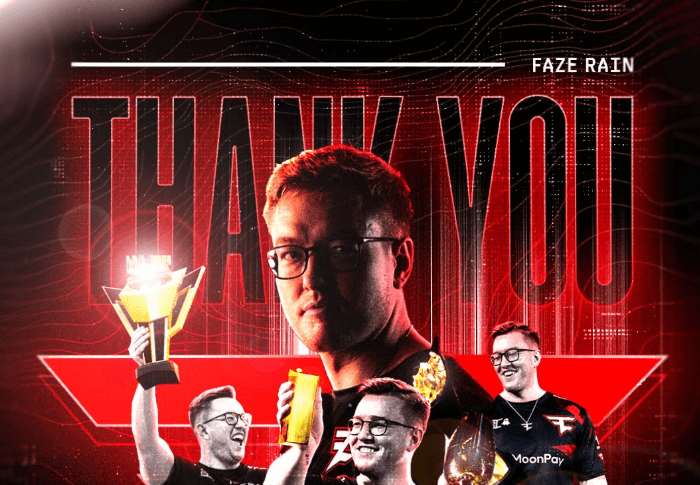
Rain leaves FaZe: the end of a long era
Rain leaves FaZe: the end of a long era
Read the article
GenOne strengthens roster with NBK-, Djoko, and misutaaa ahead of DraculaN Season 2
GenOne strengthens roster with NBK-, Djoko, and misutaaa ahead of DraculaN Season 2
Read the article
FURIA defeated The MongolZ 3-2 in the FISSURE Playground 2 final
FURIA defeated The MongolZ 3-2 in the FISSURE Playground 2 final
Read the article
The first day of the FISSURE Playground 2 playoffs is over
The first day of the FISSURE Playground 2 playoffs is over
Read the article
Results of the FISSURE Playground 2 CS2 group stage
Results of the FISSURE Playground 2 CS2 group stage
Read the article
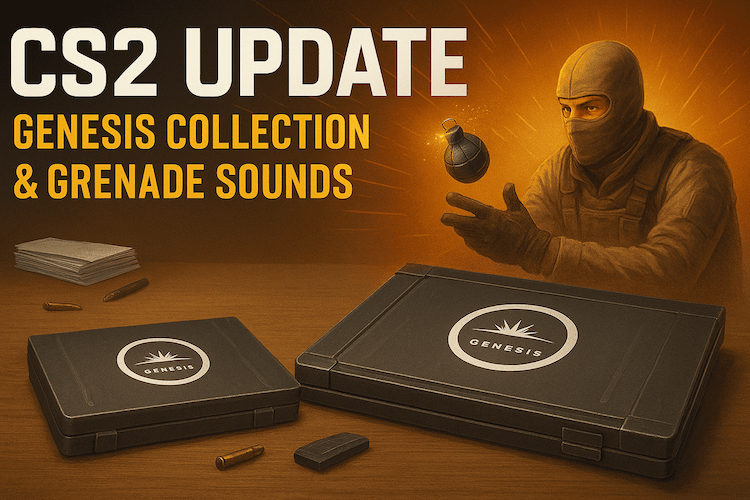
CS2 Update — new Genesis Collection and reworked grenade sounds
CS2 Update — new Genesis Collection and reworked grenade sounds
Read the article
FISSURE Playground 2 Day 4 Results: Falcons and Aurora Advance to Playoffs
FISSURE Playground 2 Day 4 Results: Falcons and Aurora Advance to Playoffs
Read the article
GamerLegion sign hypex, Kursy benched after FISSURE Playground 2
GamerLegion sign hypex, Kursy benched after FISSURE Playground 2
Read the article
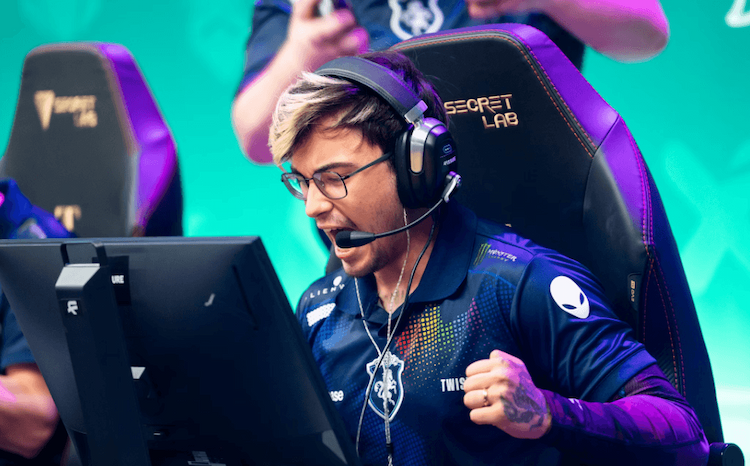
Twistzz returns to FaZe Clan: who will he replace in the roster?
Twistzz returns to FaZe Clan: who will he replace in the roster?
Read the article
Hot Start at FISSURE Playground 2: Surprises and First Moves to the Lower Bracket
Hot Start at FISSURE Playground 2: Surprises and First Moves to the Lower Bracket
Read the article
Forester leaves CYBERSHOKE: team announces parting ways with the player
Forester leaves CYBERSHOKE: team announces parting ways with the player
Read the article
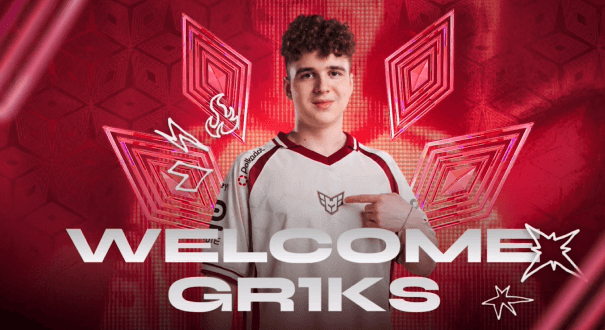
Gr1kS joins GUN5 on loan from Heroic
Gr1kS joins GUN5 on loan from Heroic
Read the article
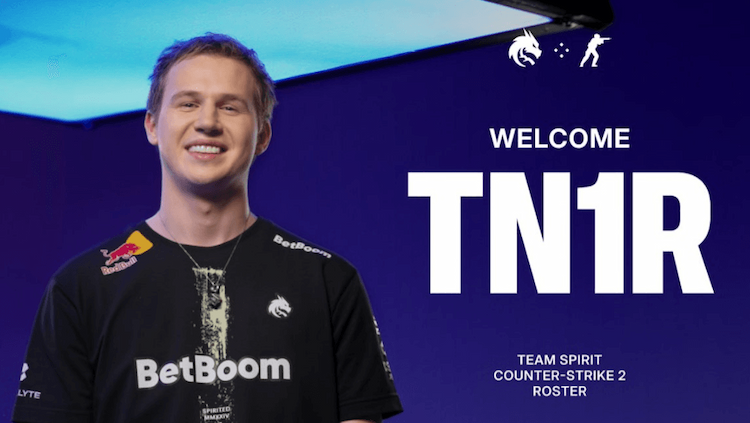
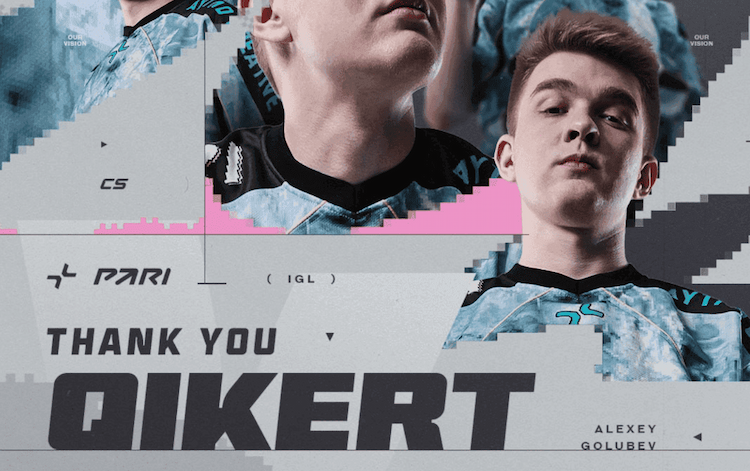
tN1R joins Team Spirit, Qikert moves to MIBR on loan
tN1R joins Team Spirit, Qikert moves to MIBR on loan
Read the article
G2 Esports — Triumph at BLAST Open London 2025
G2 Esports — Triumph at BLAST Open London 2025
Read the article
Lechoslaw Ziemski
BLAST Open London 2025 Quarterfinals: MOUZ and G2 Secure Semifinal Spots
BLAST Open London 2025 Quarterfinals: MOUZ and G2 Secure Semifinal Spots
Read the article
Wildcard strengthen roster: F1KU joins the team
Wildcard strengthen roster: F1KU joins the team
Read the article
Wildcard recall phzy from 9INE loan
Wildcard recall phzy from 9INE loan
Read the article
Results of BLAST Open London 2025
Results of BLAST Open London 2025
Read the article
Magisk returns to Astralis
Magisk returns to Astralis
Read the article
Lechoslaw Ziemski
BLAST Open London 2025: First Teams Eliminated
BLAST Open London 2025: First Teams Eliminated
Read the article
Lechoslaw Ziemski
BLAST Open London 2025: Results of the First Day
BLAST Open London 2025: Results of the First Day
Read the article
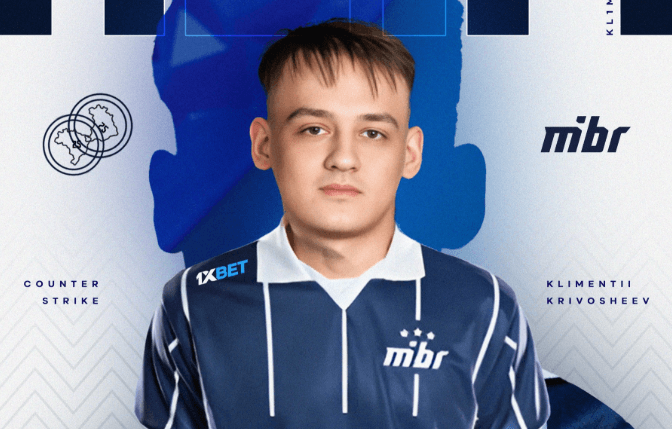
MIBR sign kl1m after saffee benched
MIBR sign kl1m after saffee benched
Read the article
saffee benched: MIBR continues roster overhaul
saffee benched: MIBR continues roster overhaul
Read the article
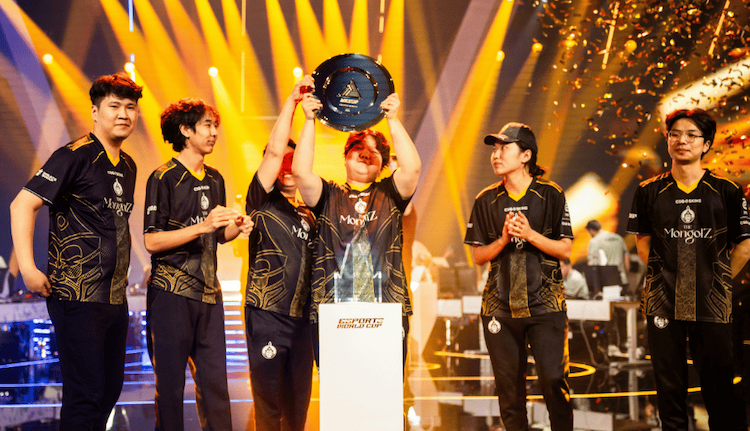
EWC 2025 CS2 concluded — The MongolZ are champions
EWC 2025 CS2 concluded — The MongolZ are champions
Read the article
Results of the BLAST Bounty Season 2 2025 Semifinals
Results of the BLAST Bounty Season 2 2025 Semifinals
Read the article
Quarterfinal Results of BLAST Bounty Season 2 2025
Quarterfinal Results of BLAST Bounty Season 2 2025
Read the article
CS2 Update: Night Maps, Smooth Animations, and a New Music Kit
CS2 Update: Night Maps, Smooth Animations, and a New Music Kit
Read the article
Lechoslaw Ziemski
BLAST Bounty 2025 Season 2 Quarterfinal Matchups: Who Plays Who
BLAST Bounty 2025 Season 2 Quarterfinal Matchups: Who Plays Who
Read the article
tN1R leaves HEROIC after Esports World Cup 2025
tN1R leaves HEROIC after Esports World Cup 2025
Read the article
Lechoslaw Ziemski
All Playoff Teams for BLAST Bounty 2025 Season 2 Are Set
All Playoff Teams for BLAST Bounty 2025 Season 2 Are Set
Read the article
Lechoslaw Ziemski
BLAST Bounty 2025: Day 3 — fnatic and NiP fall, FURIA dominates
BLAST Bounty 2025: Day 3 — fnatic and NiP fall, FURIA dominates
Read the article
HEROIC replaces gr1ks: Alkaren joins from Spirit Academy
HEROIC replaces gr1ks: Alkaren joins from Spirit Academy
Read the article
Favorites stay strong: results of Day 2 at BLAST Bounty 2025
Favorites stay strong: results of Day 2 at BLAST Bounty 2025
Read the article
Lechoslaw Ziemski
BLAST Bounty Season 2: Results of the Opening Day
BLAST Bounty Season 2: Results of the Opening Day
Read the article
r3salt joins Sangal, completing the new lineup
r3salt joins Sangal, completing the new lineup
Read the article
Team Spirit are the IEM Cologne 2025 Champions
Team Spirit are the IEM Cologne 2025 Champions
Read the article
coldzera joins ODDIK – the legend is back in action
coldzera joins ODDIK – the legend is back in action
Read the article
Group Stage of IEM Cologne 2025 Concludes
Group Stage of IEM Cologne 2025 Concludes
Read the article
New CS2 Update: Targeted Fixes and Improvements After the Previous Patch
New CS2 Update: Targeted Fixes and Improvements After the Previous Patch
Read the article
CS2 Update: New Animations, Reworked Maps, and Improved Audio
CS2 Update: New Animations, Reworked Maps, and Improved Audio
Read the article
S1mple Officially Leaves NaVi — Rumors About Transfer to BC.Game
S1mple Officially Leaves NaVi — Rumors About Transfer to BC.Game
Read the article
GamerLegion and Astralis eliminated from IEM Cologne 2025 at Stage 2
GamerLegion and Astralis eliminated from IEM Cologne 2025 at Stage 2
Read the article
IEM Cologne 2025 — Stage 1 Day 1 Recap
IEM Cologne 2025 — Stage 1 Day 1 Recap
Read the article
Rare Atom make roster change: Trash benched, Tiger joins starting five
Rare Atom make roster change: Trash benched, Tiger joins starting five
Read the article
FISSURE Playground 1 Playoffs Begin: TYLOO Eliminate 3DMax in a Shocking 2-0
FISSURE Playground 1 Playoffs Begin: TYLOO Eliminate 3DMax in a Shocking 2-0
Read the article
SAW eliminate FURIA and reach FISSURE Playground 1 playoffs
SAW eliminate FURIA and reach FISSURE Playground 1 playoffs
Read the article
Overpass returns to the CS2 competitive map pool, replacing Anubis
Overpass returns to the CS2 competitive map pool, replacing Anubis
Read the article
MIBR strengthen roster with nicks
MIBR strengthen roster with nicks
Read the article
Nemiga strengthen their CS2 roster with sowalio ahead of the new season
Nemiga strengthen their CS2 roster with sowalio ahead of the new season
Read the article
Official: G2 bench Snax, huNter- to take over as IGL
Official: G2 bench Snax, huNter- to take over as IGL
Read the article
Fluxo strengthen their lineup with Lucaozy and decenty
Fluxo strengthen their lineup with Lucaozy and decenty
Read the article
NIP bench arrozdoce, xKacpersky joins on loan
NIP bench arrozdoce, xKacpersky joins on loan
Read the article
broky back in FaZe: what happened to s1mple?
broky back in FaZe: what happened to s1mple
Read the article
jL takes a break — NAVI call up makazze
jL takes a break — NAVI call up makazze
Read the article
Lechoslaw Ziemski
BetBoom removes zorte from main lineup, brings in ArtFr0st for FISSURE Playground 1
BetBoom removes zorte from main lineup, brings in ArtFr0st for FISSURE Playground 1
Read the article
Falcons sign NaToSaphiX as coach for their new academy team
Falcons sign NaToSaphiX as coach for their new academy team
Read the article
CS2 update brings souvenirs and lobby voice chat
CS2 update brings souvenirs and lobby voice chat
Read the article
Qikert Leaves Parivision Roster
Qikert Leaves Parivision Roster
Read the article
makazze moves up to NAVI’s main roster — the player he’ll replace remains unknown
makazze moves up to NAVI’s main roster — the player he’ll replace remains unknown
Read the article
HEROIC sign gr1ks as their new AWPer in CS2
HEROIC sign gr1ks as their new AWPer in CS2
Read the article
nawwk steps down from BC.Game — yet another roster move in half a year
nawwk steps down from BC.Game — yet another roster move in half a year
Read the article
magixx leaves Spirit
magixx leaves Spirit
Read the article
Virtus.pro make roster change: FL4MUS benched, Perfecto joins the squad
Virtus.pro make roster change: FL4MUS benched, Perfecto joins the squad
Read the article
Spirit eye zweih: potential future teammate for donk
Spirit eye zweih: potential future teammate for donk
Read the article
Sangal bench maaryy
Sangal bench maaryy
Read the article
G2 are preparing to replace Snax — huNter- to take over as IGL
G2 are preparing to replace Snax — huNter- to take over as IGL
Read the article
Falcons sign kyousuke to replace Magisk
Falcons sign kyousuke to replace Magisk
Read the article
The MongolZ – BLAST.tv Austin Major 2025 Champions
The MongolZ – BLAST.tv Austin Major 2025 Champions
Read the article
Vitality – champions of BLAST.tv Austin Major 2025
Vitality – champions of BLAST.tv Austin Major 2025
Read the article
BLAST.tv Austin Major 2025 Semifinals: European consistency and the unpredictable Asian style
BLAST.tv Austin Major 2025 Semifinals: European consistency and the unpredictable Asian style
Read the article
Vitality and The MongolZ reach the semifinals: NAVI and FaZe say goodbye to the Major
Vitality and The MongolZ reach the semifinals: NAVI and FaZe say goodbye to the Major
Read the article
BLAST.tv Austin Major 2025 Quarterfinal Results
BLAST.tv Austin Major 2025 Quarterfinal Results
Read the article
SAW return to a fully Portuguese lineup
SAW return to a fully Portuguese lineup
Read the article
CS2 News – June 18, 2025
CS2 News – June 18, 2025
Read the article
Roster Changes in HEROIC After BLAST.tv Austin Major 2025 Exit
Roster Changes in HEROIC After BLAST.tv Austin Major 2025 Exit
Read the article
Vitality, FaZe Clan and NaVi — the next playoff contenders at the Austin Major
Vitality, FaZe Clan and NaVi — the next playoff contenders at the Austin Major
Read the article
Results of Day 2 of Stage 3 at BLAST.tv Austin Major 2025
Results of Day 2 of Stage 3 at BLAST.tv Austin Major 2025
Read the article
Sensational Results of Day 1 at Stage 3 of the BLAST.tv Austin Major 2025
Sensational Results of Day 1 at Stage 3 of the BLAST.tv Austin Major 2025
Read the article
Falcons exit BLAST.tv Austin Major 2025 — a favorite fails to handle the pressure
Falcons exit BLAST.tv Austin Major 2025 — a favorite fails to handle the pressure
Read the article
First participants of Stage 3 BLAST.tv Austin Major 2025
First participants of Stage 3 BLAST.tv Austin Major 2025
Read the article
binds
player configs
CSSpot — Your CS2 Place to Weapon Cases, Skins, and Top Player Settings
CSSpot is a platform that helps Counter-Strike 2 players compare case-opening sites and skin marketplaces from our library of more than 80 reviews, explore skins and case contents from the game, find pro player settings, and see the results of the latest professional matches.
Read the reviews made by our team, browse our catalogs, or catch up on the latest CS2 updates and esports news.
Compare CS2 Case Opening Sites
Explore our CS2 case-opening site rankings to compare game modes, payment methods, withdrawal time and overall scores. Open up a full review of each platform for more details on fairness, bonuses, case and skin variety, and for an opinion of our authors.
Before choosing a platform, check:
Minimum withdrawal
Fees
Identity-verification requirements
Available spending limits
Some links on CSSpot are affiliate links. We may receive a commission when you use them, yet it does not affect our rankings and reviews.
How we rate each site
Our team tests case opening and withdrawals, checks fairness information and reviews bonus terms, you can find more information about us on our authors page. We calculate each site’s overall rating using six criteria with their own weights:
Scoring Criteria
Weight
Fairness (Provably Fair)
25%
Reliability/Withdrawal Speed
20%
Bonuses and Their Value
15%
Case Variety
15%
Interface/Support
15%
Limits/Player Protection
10%
Read the scoring methodology and individual reviews for the breakdown behind each rating and use this information to compare platforms yourself.
Promo Codes and Bonuses
Browse our CS2 promo codes section, where you can find recent and working codes for deposit bonuses, free cases and other special offers from various case-opening platforms. Alongside the promotion read the site’s review to see their bonus and withdrawal terms.
Free cases and an additional deposit balance may carry conditions that must be met before withdrawals. For example:
Eligible accounts
Minimum deposit
Wagering requirements
Withdrawal restrictions
Expiring date for the promos
Browse CS2 Cases and Their Contents
In our CS2 case catalog you can find each existing case and browse their listed skins. Through every case page you can see all the possible drops, then visit a skin page for a closer look.
On that page you can find:
Case contents
Rarity tiers
Possible special drops
Verified key information
Explore CS2 Skin Library
Our CS2 skins library allows you to browse through skins by weapon category. Explore finishes for your favourite weapons and check the details of a skin before looking to purchase it.
When comparing prices, check the exact version, because wear, float, pattern and StatTrack™ or Souvenir status can affect the value. The rarity of a skin alone doesn’t tell what it will sell for.
Before any skin transaction check all the safety measures and look for warning signs in the Steam trade offer. Read our CS2 skin trading safety guide to learn more.
Compare CS2 Skin Marketplaces
Browse our CS2 skin marketplaces rankings to compare their scores, features withdrawal speed and limits. Listed sites are tested by our team and you can check on a full review of every platform.
Like with the case-opening sites some links are affiliate links.
How we rate each skin marketplace
We test selling and buying functions, trade limitations and speed, review marketplace fees. Our authors calculate each site’s rating using these six criteria with their own weights:
Scoring criterion
Weight
Trade security and user protection
25%
Liquidity and sale speed
20%
Prices, fees, and overall value
20%
Skin selection
15%
Deposits and withdrawals
10%
Interface and support
10%
Read our marketplaces scoring methodology and individual reviews for the full breakdown and don’t forget to compare platforms yourself.
Find Pro Settings and Crosshairs
Explore CS2 player profiles and configs for crosshairs, mouse settings and display options. Profiles also include player biographies, so you can also learn about a pro’s career while checking their setup.
Use a pro’s settings as a starting point or just to try something new and adjust them for your own hardware and preferences. Don’t forget to save your current config before making changes.
Find new binds
Browse our CS2 binds guide for utility shortcuts, buy binds and useful console commands. Learn how to assign keys, save binds in an autoexec file and troubleshoot conflicts before adding them to your setup.
Follow recent CS2 News and Guides
Keep up with CS2 news and esports coverage, including tournament results, roster moves and game updates. Find out what changed in a new patch or catch up on the matches you missed.
Browse our CS2 guides and wiki when you need help understanding a game feature or changing your setup.
Esports teams and rosters
Explore CS2 team profiles to check current lineups, ex-players and discover notable tournament results. Follow links to individual players for their biographies and settings, or use the team directory to find organizations by name or country.
Read More
FAQ
Can I open cases directly on CSSpot?
CSSpot publishes reviews and information. Third-party case openings and withdrawals take place on the external platform you choose. Official in-game cases are opened through CS2.
How do I choose a CS2 case-opening site?
Compare fairness information, payment methods, fees, withdrawal times, and minimum withdrawal amounts. Check identity-verification requirements, spending limits, and detailed reviews. Before claiming bonuses, read the wagering requirements and withdrawal restrictions.
Does a high site rating guarantee a profit?
No. A rating reflects our assessment of a site's features and practices. Case-opening outcomes are random, and you can lose money. Treat it as paid entertainment, set a spending limit, and follow the platform's age and location restrictions.
What skins can you get from CS2 cases?
Each CS2 case has a specific selection of skins and possible special drops. CSSpot’s case catalog lets you explore case contents, rarity tiers, and key information, then visit individual skin pages for more details.
An analyst, amateur commentator, and author of platform reviews and guides on CSSpot. In his articles, Mikhail draws on his many years of experience watching and analyzing professional-level games.