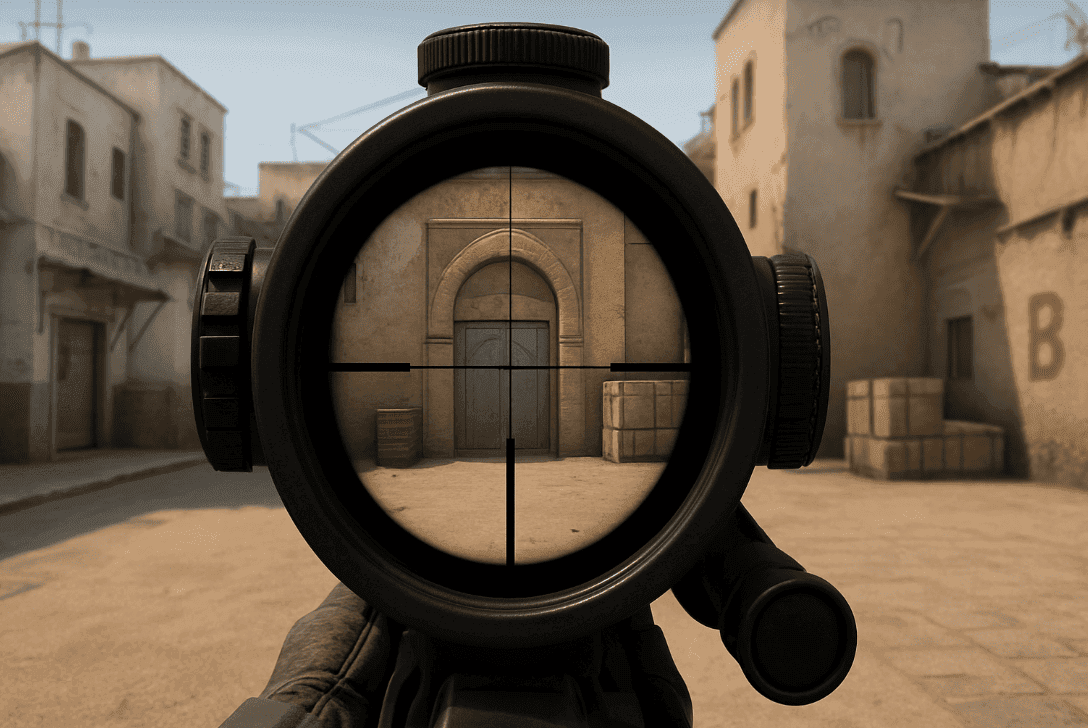
In a recent CS2 update, developers changed the sniper rifle crosshair, including the AWP. If you’re used to the old crosshair and want it back, it’s completely possible.
With the major update, a new crosshair was introduced for all sniper rifles: a small circular element with reduced contrast was added, making the center of the crosshair less visible. Many CS2 players found this inconvenient, especially when using the AWP.
Two ways to restore the old AWP crosshair in CS2
Via Console
Open the console.
Enter the command:
cl_sniper_show_inaccuracy 0
Press Enter. The crosshair will return to its previous look — without the circle showing inaccuracy.
Via Settings Interface
Go to Settings → Game.
Find the sniper crosshair section.
Locate Show Scoped Sniper Rifle Inaccuracy.
Select No.
If you want to try the new crosshair Use the console command:
cl_sniper_show_inaccuracy 1
Or switch the setting back to Yes in the interface.
Now it’s up to you: use the new crosshair or return to the old one. Game allows you to customize your CS2 crosshair to match your playstyle and improve accuracy.