




Contacts
An analyst, amateur commentator, and author of platform reviews and guides on CSSpot. In his articles, Mikhail draws on his many years of experience watching and analyzing professional-level games.

In CS2, the
command no longer works. To view FPS, ping, and other network stats, use one of the methods below:Telemetry
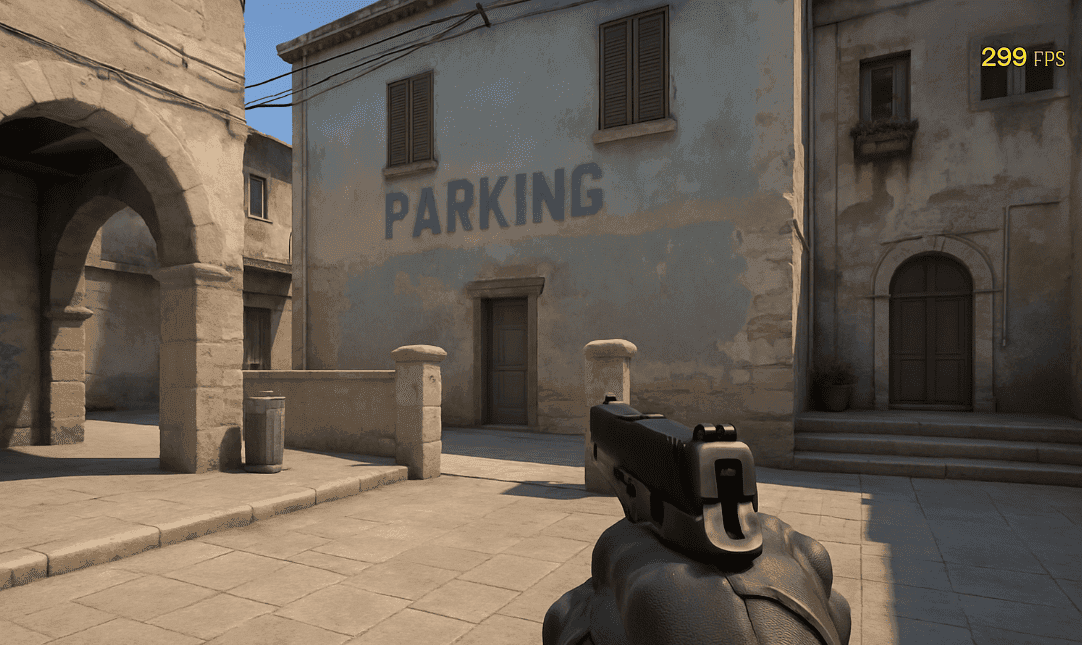
In the game settings, enable Telemetry and activate Show frame time and FPS, Show ping, Show packet loss. The information will appear in the top-right corner of the screen.
Console
Enable the developer console and type:
FPS will appear in the top-left corner. To disable, use
.Net_graph alternative
Use:
to display network data. Additionally, enable:
to show ping and packet loss during lag.
Steam Overlay
In Steam settings, enable In‑Game FPS Counter and choose the screen corner for display. This method works regardless of CS2 configs.
These methods let you monitor performance and network stats without relying on outdated commands.

Contacts
An analyst, amateur commentator, and author of platform reviews and guides on CSSpot. In his articles, Mikhail draws on his many years of experience watching and analyzing professional-level games.