It doesn’t just show you’re a team — it earns respect from opponents, since clans usually play tight and give proper comms.
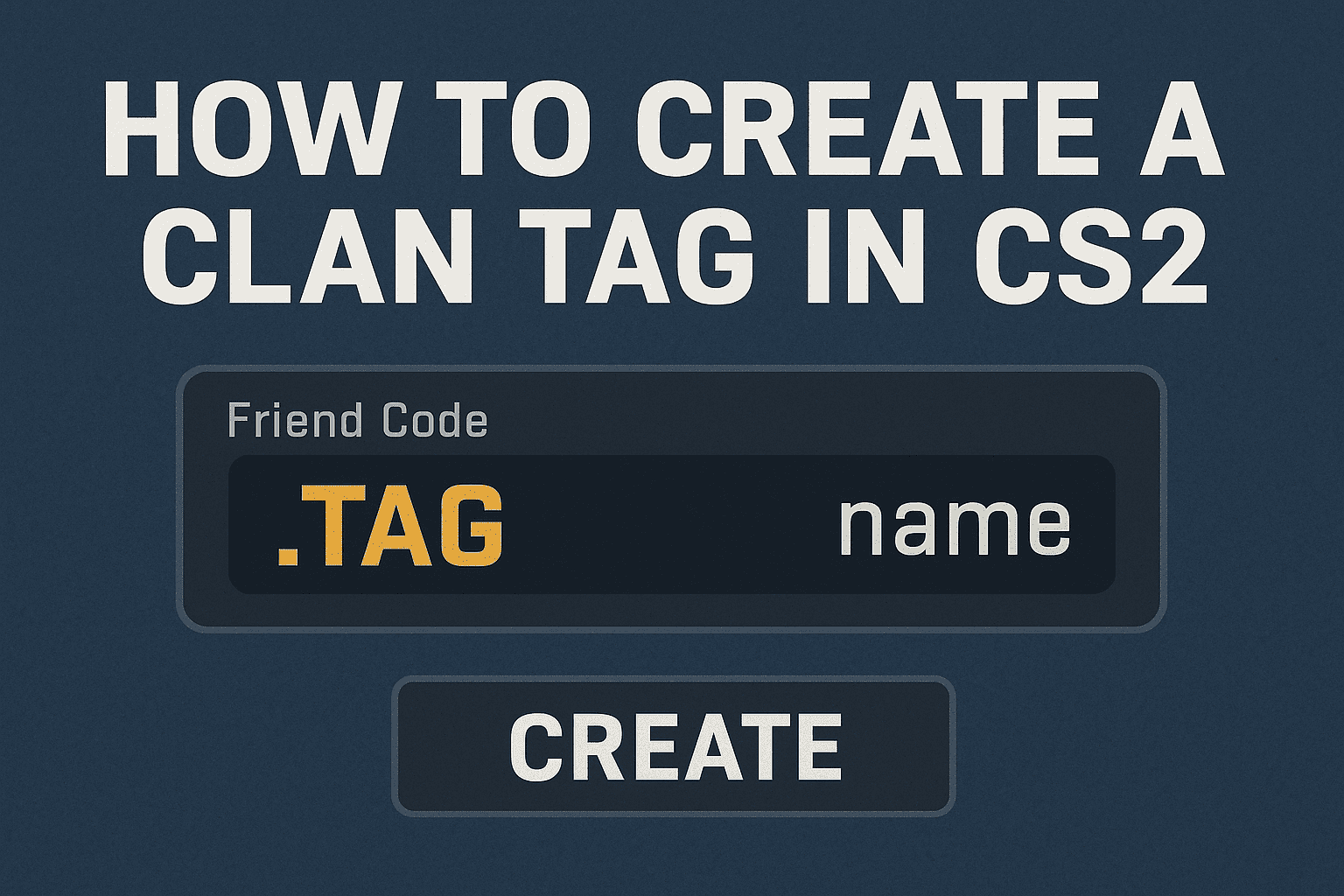
How to create a clan for CS2:
Log into Steam, open your profile, and go to “Groups.”
Click “Create a group,” come up with a name and abbreviation — that’ll be your tag. Make sure it’s unique.
Set access (invite-only or public), write a description, and upload a cool logo.
Once done, launch CS2 → game settings → “team tag (from Steam group)” and pick your group.
Done — your tag will now appear next to your team’s names in matches.
Why even bother with a clan?
So you’re not stuck with randoms, but play with your own crew who know the strats, have solid CS2 configs, don’t tilt after a bad round, and give clear calls. It’s the best way to truly improve in CS2 and win matches — not just chase solo aces.