

How to Bind NUMPAD in CS2

How to Bind NUMPAD in CS2

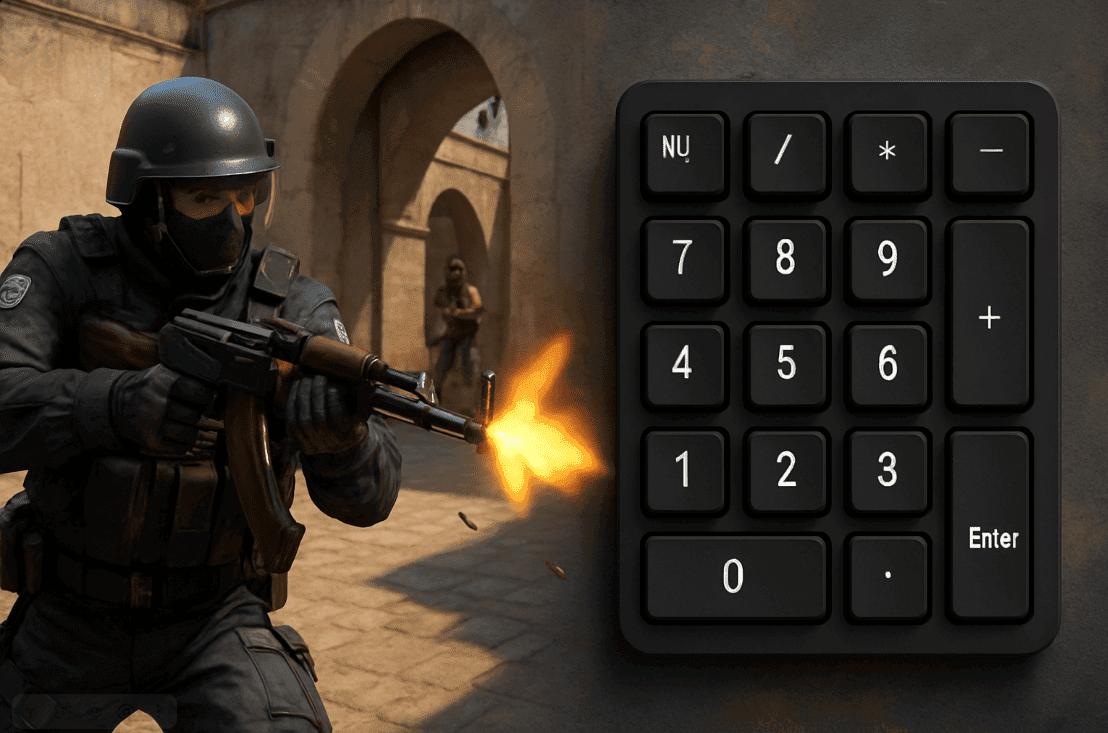
Binds on the NUMPAD in CS2 let you assign fast commands, messages, or scripts to the numeric keypad. This is useful for quick weapon purchases with your CS2 skins, chat messages, and various utility actions.

How to enable the console

Open the settings.
Go to “Game”.
Enable the console (~).

Basic NUMPAD bind command

bind "KP_1" "command" 

NUMPAD key names

KP_0 — 0
KP_1 — 1
KP_2 — 2
KP_3 — 3
KP_4 — 4
KP_5 — 5
KP_6 — 6
KP_7 — 7
KP_8 — 8
KP_9 — 9
KP_ENTER — Enter
KP_PLUS — +
KP_MINUS — –
KP_MULTIPLY — *
KP_DIVIDE — /

Useful bind examples

Chat message:

bind "KP_1" "say rush B" 

Fast weapon purchase:

bind "KP_2" "buy ak47" 

Fast grenade buy:

bind "KP_3" "buy hegrenade; buy flashbang" 

How to remove a bind

unbind "KP_1" 

Remove all binds:

unbindall
Other articles
Our choice
Chicken.GG
Chicken.GG
9.3/10
4 games
Cards
Cryptocurrency
Gift Cards
+2

CS2SKIN
CS2SKIN
9.5/10
7 games
Cryptocurrency
Cards
ApplePay
+2
CSSPOT
+100% to Deposit
until 21.12.2026
MYCSGO
MYCSGO
9.2/10
6 games
ApplePay
Cards
MIR
+3