


How to set up NUMPAD binds in CS2

How to set up NUMPAD binds in CS2

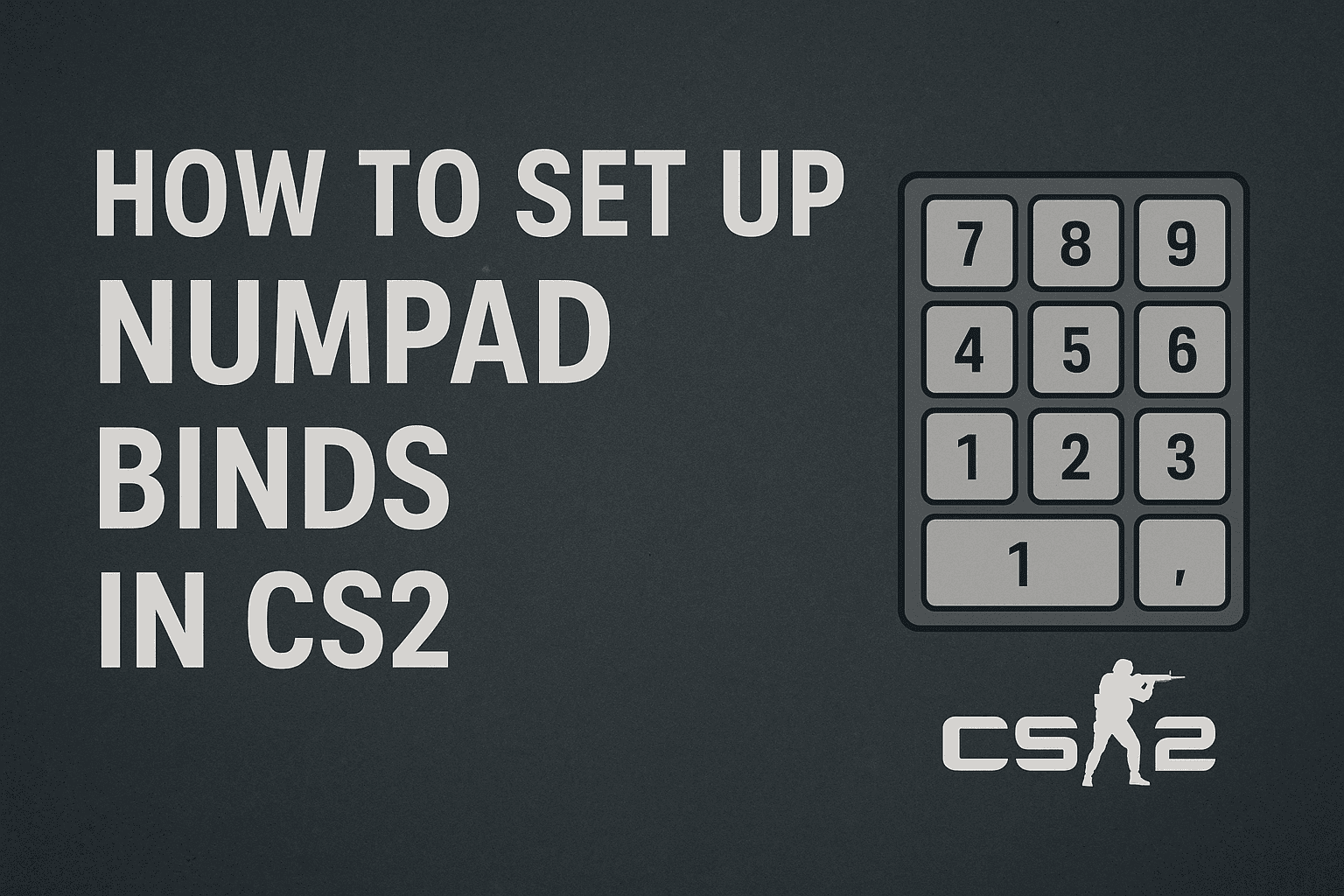
Binds in CS2 remain a handy way to automate buying weapons and grenades. Most players use the NUMPAD — the small number pad on the right side of the keyboard. It lets you assign each key to a specific buy command.

What is a bind

A bind is linking a certain action to a key, for example buying an HE grenade or an AK-47 instantly.

How to set binds via console

Open the console and type:

Example for NUMPAD:

Here

is the “7” key on your NUMPAD.

NUMPAD key names in CS2

Use these names to set your binds correctly:

— /

— *

— -

— +

— 7

— 8

— 9

— 4

— 5

— 6

— 1

— 2

— 3

— 0

— .

Which key does what is up to your habits and tactics. Configure your NUMPAD to save time at the start of each round and get your gear instantly.

CS2 case opening sites
HyperDrop
HyperDrop
9.8/10
top-1
6 games
ApplePay
MIR
SBP
+3
CaseLover
CaseLover
8.1/10
top-2
4 games
Cards
Cryptocurrency
StandoffCase
StandoffCase
7.1/10
top-3
5 games
ApplePay
Cards
MIR
+3