

How to Remove Molotov Smoke in CS2

How to Remove Molotov Smoke in CS2

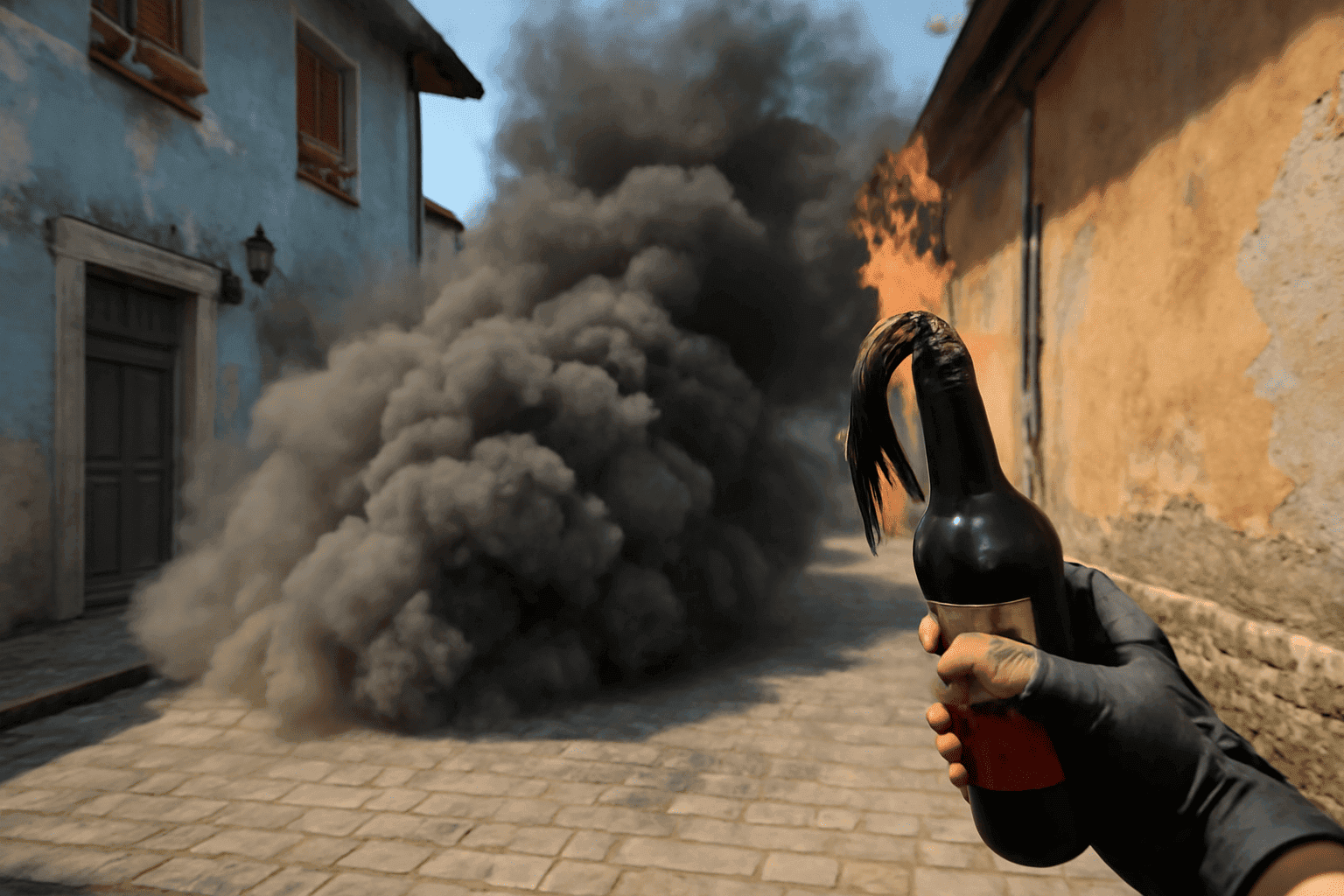
In CS2, the Molotov creates fire and light smoke that can sometimes block your view during rounds. Many CS2 players want to reduce this effect to keep the map and enemies visible.

It’s impossible to fully disable smoke effects, since that would give an unfair advantage. However, you can lower the density and make it less distracting by adjusting settings:

  • Enable the developer console in game settings.
  • Use the command r_particle_low 1 — this reduces particle density, including smoke.
  • Set graphics options like “Effects” and “Shaders” to low.
  • Add these commands to your CS2 config to avoid re-entering them each time.

This way, Molotov smoke becomes less obstructive while keeping the game fair. These adjustments are also helpful for training and improving performance on weaker PCs.

Our choice
Chicken.GG
Chicken.GG
9.3/10
4 games
Cards
Cryptocurrency
Gift Cards
+2

CS2SKIN
CS2SKIN
9.5/10
7 games
Cryptocurrency
Cards
ApplePay
+2
CSSPOT
+100% to Deposit
until 21.09.2026
MYCSGO
MYCSGO
9.2/10
6 games
ApplePay
Cards
MIR
+3