





How to give admin rights on a CS2 server

How to give admin rights on a CS2 server

Installing SourceMod

In your server control panel (on your hosting website), go to the “Plugins” section and install SourceMod — without it, the admin menu won’t work.

Setting up admins

Find the file called

(or simply
), open it and add a line like:

where:

SteamID — your ID (find it via the

command in the CS2 console),

99 — immunity level,

z — full access.

Restarting the server

Save the file, restart the server or just change the map. Then join your server and type

in chat — the admin menu will appear.

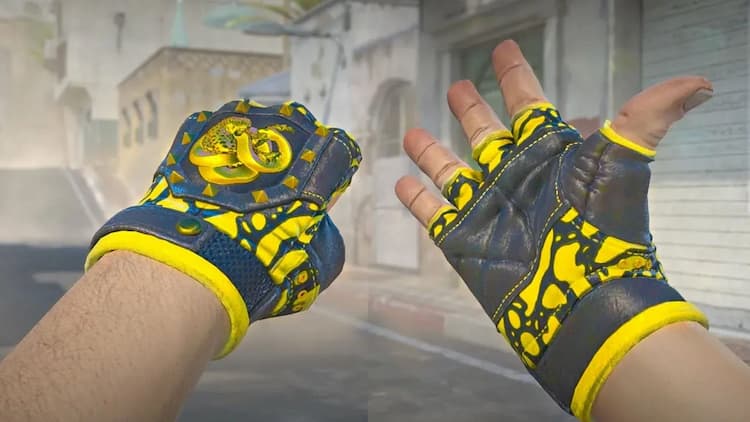
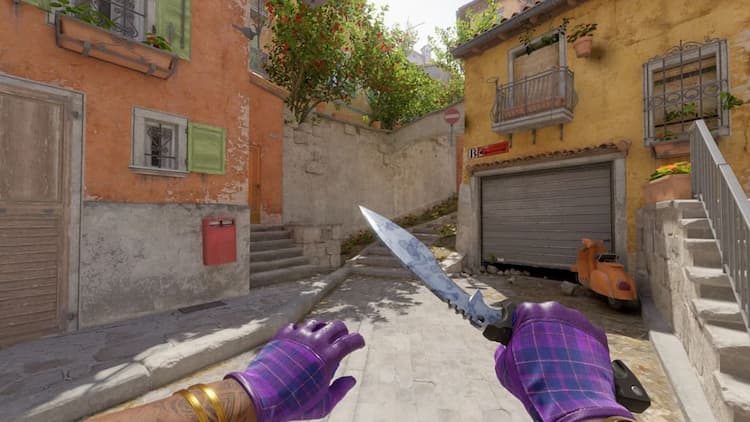
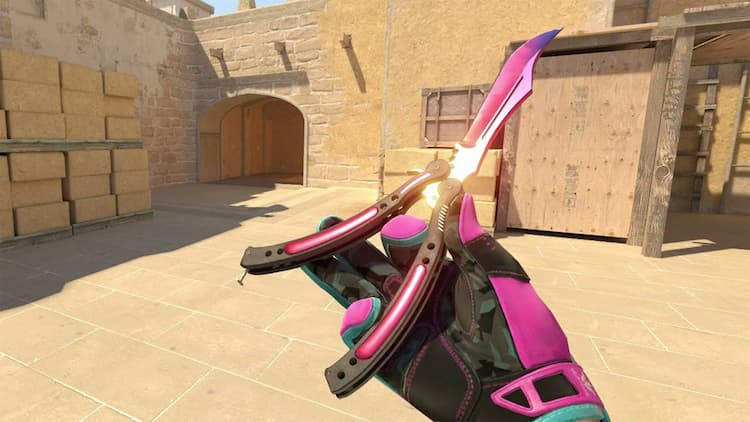
Now you can manage maps, kick, ban and test CS2 configsskins cs2 and even cases cs2 together with friends.

Best CS2 case sites
HyperDrop
HyperDrop
9.8/10
6 games
ApplePay
MIR
SBP
+3
Rain
Rain
6.6/10
4 games
Cards
Cryptocurrency
Mastercard
CSFail
CSFail
8.7/10
4 games
Cards
Skinify
SkinPay