


How to Disable Shadows in CS2 and Boost FPS

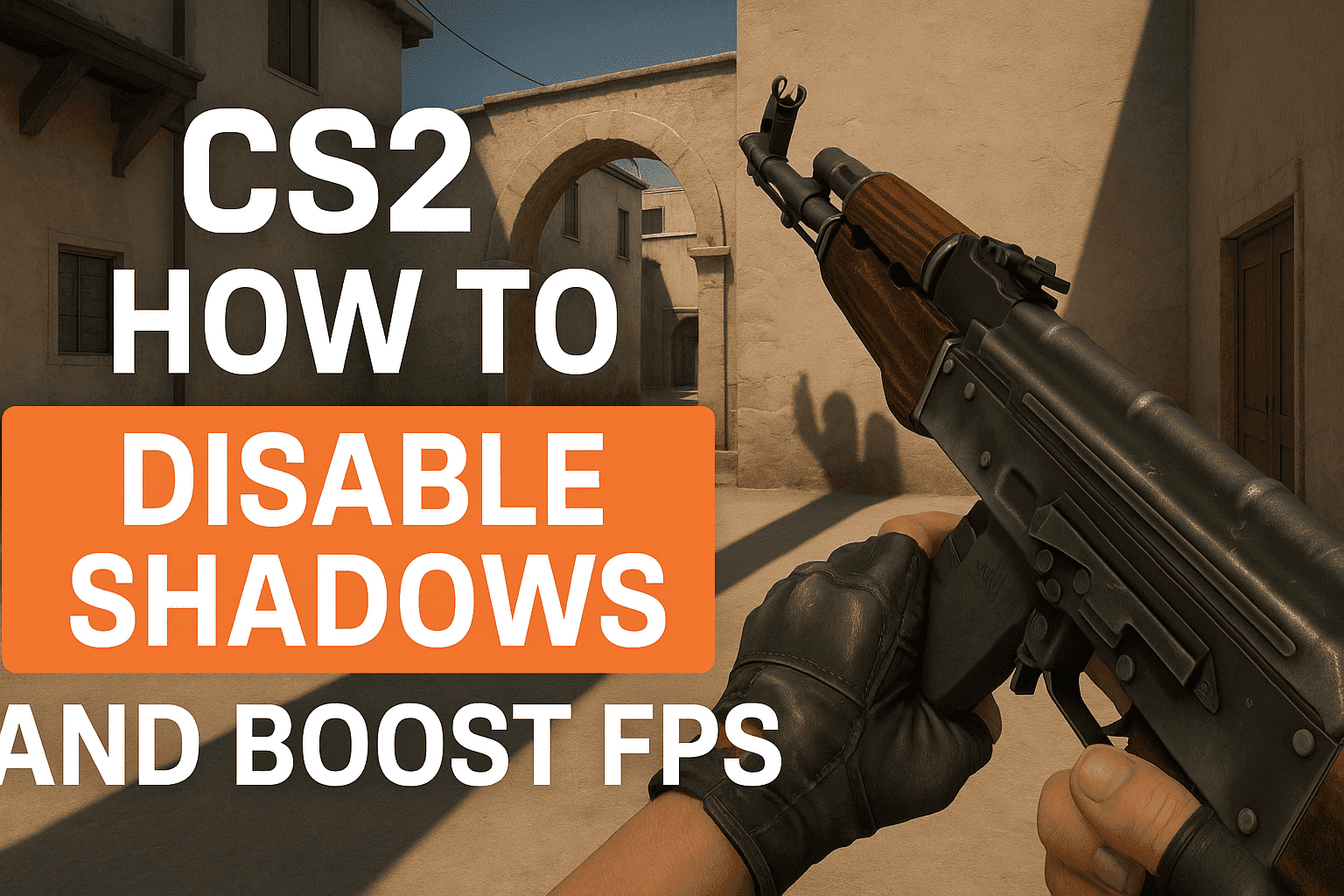
How to Disable Shadows in CS2 and Boost FPS

In CS2, shadows still consume a lot of performance, especially on lower-end PCs. To boost your FPS, just reduce the shadow quality.

Go to Settings (gear icon in the bottom-left corner), open the “Video” tab, and find “Shadow Quality”. Set it to “Very Low” — your game will run noticeably smoother.

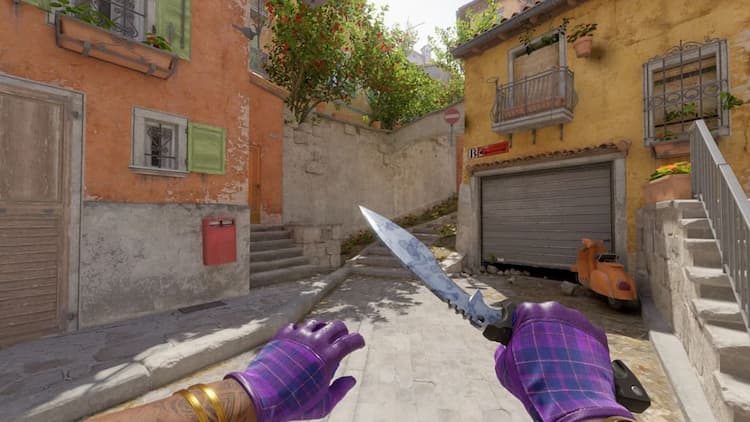
Still, keep in mind: shadows in CS2 aren't just load — they’re also a useful visual clue. On many maps, they help spot enemies earlier — like on Dust2 or Ancient.

So it’s up to you to decide between performance and visual advantage. Many pros go for minimum settings — but they do it knowingly.

Best CS2 Case Opening Sites
HyperDrop
HyperDrop
9.8/10
top-1
6 games
ApplePay
MIR
SBP
+3
JustCase
JustCase
8.3/10
top-2
5 games
ApplePay
Cards
MIR
+3
DinoDrop
DinoDrop
7.1/10
top-3
4 games
ApplePay
MIR
SkinPay
+2
Booster.Land
Booster.Land
7.1/10
top-4
4 games
Cards
Cryptocurrency
Skrill
CrazyDrop
CrazyDrop
6.9/10
top-5
4 games
Cards
Cryptocurrency