


How to Change Bot Difficulty in CS2

How to Change Bot Difficulty in CS2

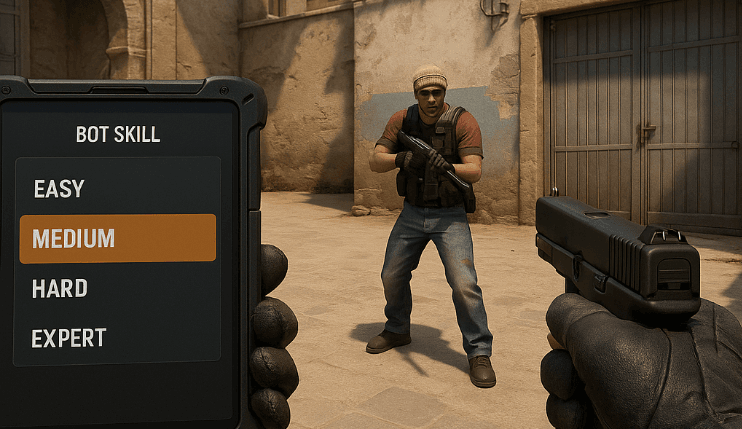
In CS2, bots can be a great tool for practicing shooting and tactics, but to get the most out of it, you should set their difficulty correctly.

You can do this via console:

bot_difficulty 0
— the easiest bots (beginners).
bot_difficulty 1
— slightly tougher, standard bots.
bot_difficulty 2
— experienced bots with better aim.
bot_difficulty 3
— maximum difficulty, bots perform almost like CS2 pro players.

Before entering commands, make sure the console is enabled. To do this, go to Settings → Game → Enable Developer Console. Then open the console with the ~ key and enter the desired value.

This way, you can adjust your training — from light warm-up to a serious challenge, as close as possible to playing against real opponents."

Other articles
Best CS2 Case Opening Sites
Chicken.GG
Chicken.GG
9.3/10
4 games
Cards
Cryptocurrency
Gift Cards
+2

CS2SKIN
CS2SKIN
9.5/10
7 games
Cryptocurrency
Cards
ApplePay
+2
CSSPOT
+100% to Deposit
until 21.12.2026
Caser
Caser
9.1/10
5 games
SBP
Cryptocurrency
GG.SKIN
+2