
Top sites with the best CS2 cases
HyperDrop
6 games
ApplePay
MIR
SBP
+3

GGDrop
5 games
ApplePay
MIR
SkinPay
+2

R1-skins
3 games
Cards
Cryptocurrency
Mastercard
+2

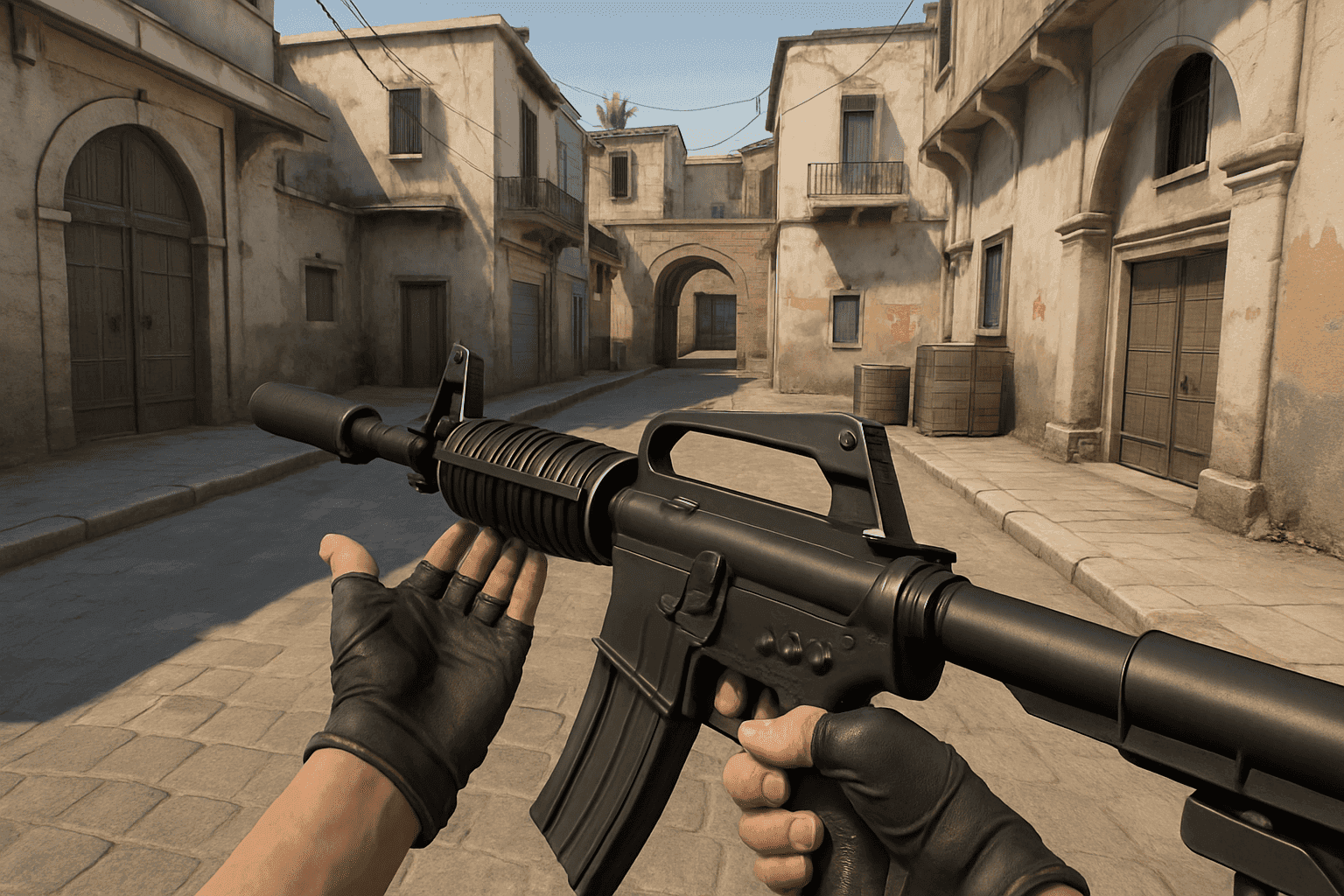
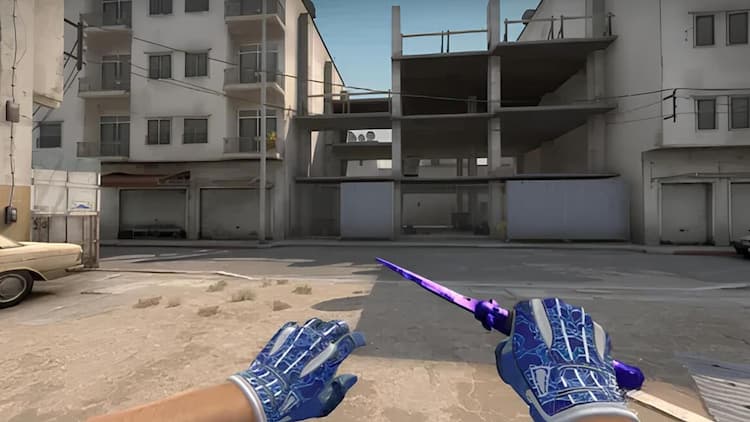
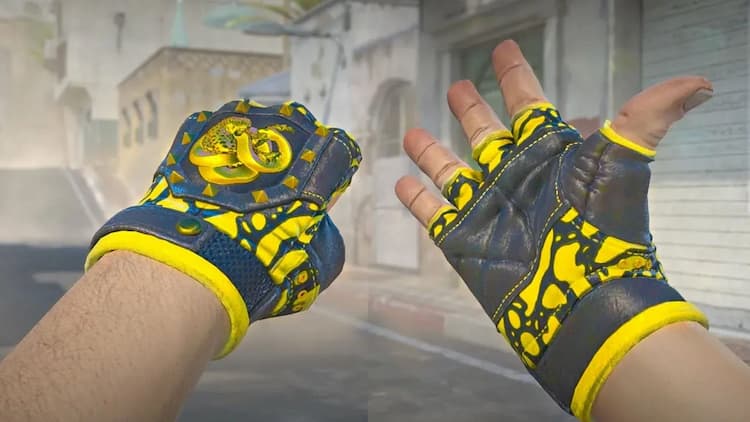
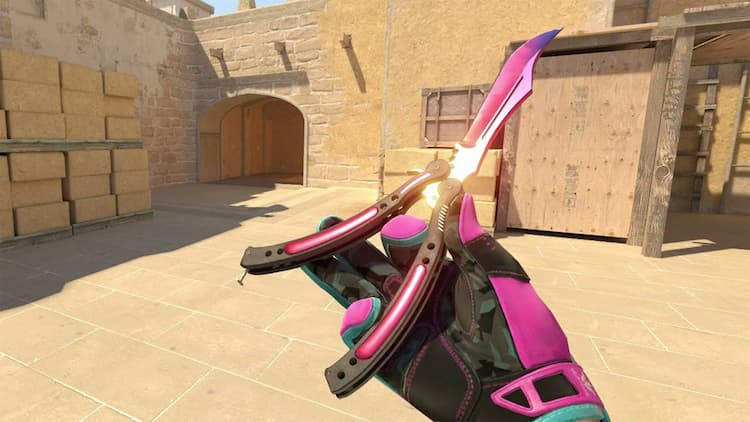
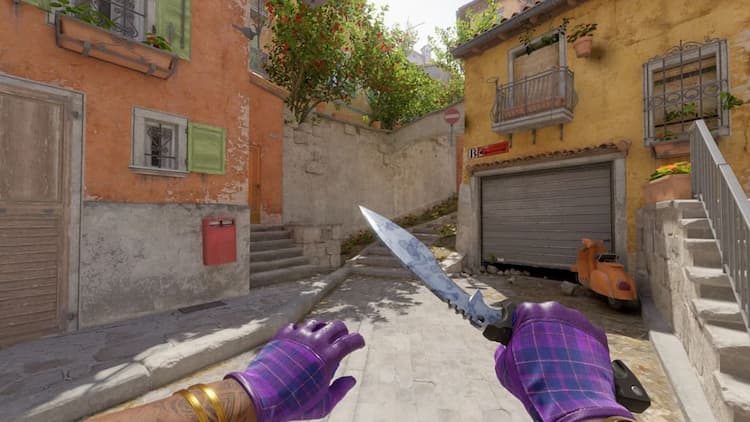
In CS2, you can now select the weapon hand directly in the settings — left or right. The H key is assigned by default for instant switching, but you can change the bind through the console.
Switching hands helps to:
Bind example: