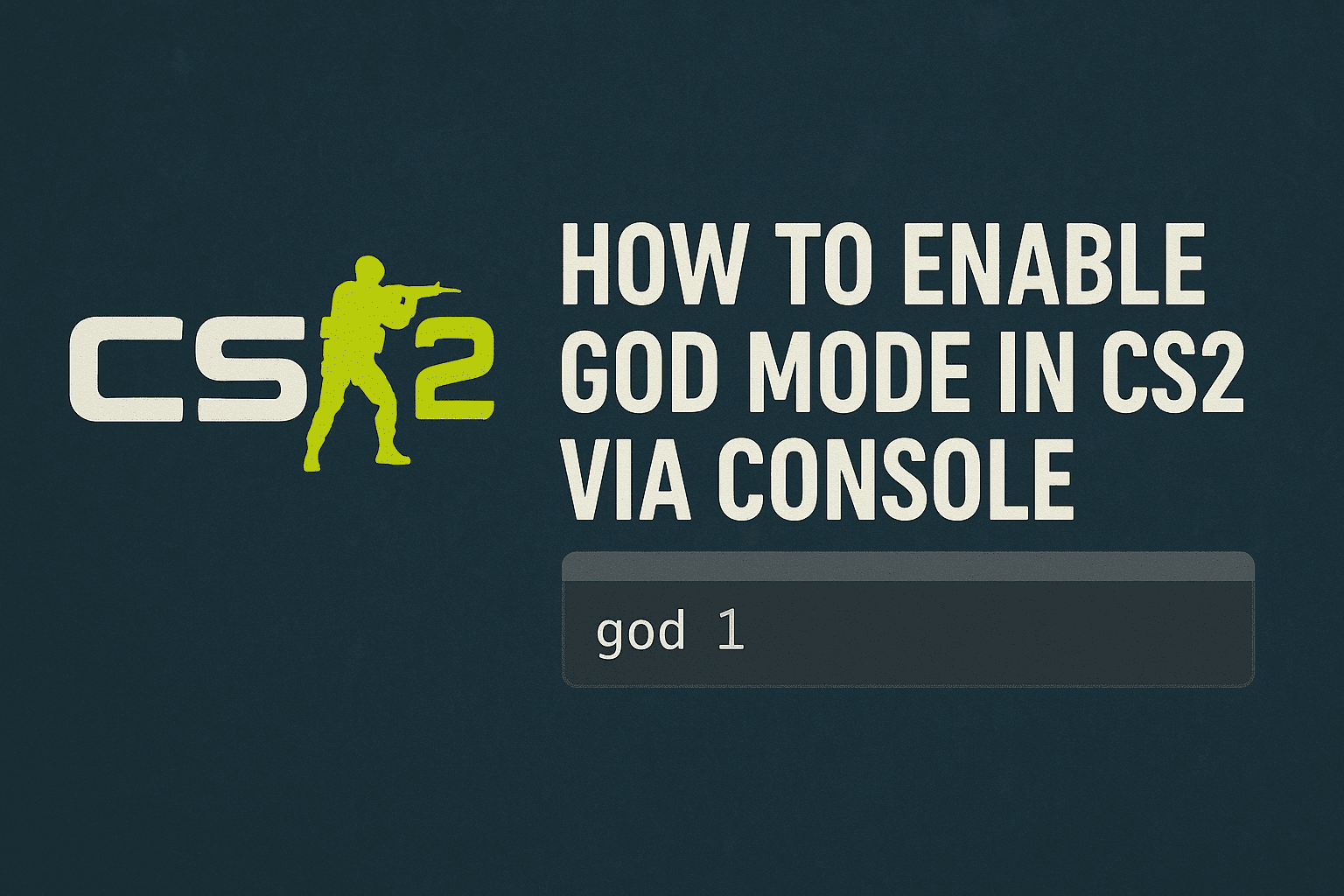
God mode in CS2 is useful for training sessions and map experiments. It’s especially helpful when practicing difficult jumps from great heights, exploring new spots, or flying around the map without taking damage. This mode is often used on private servers for testing or fun — for example, for friendly 1v1 trolling, which is quite popular on YouTube.
In official matches or ranked servers, this command doesn’t work. It is available only on local servers, with bots, or on Workshop maps.
Activating God Mode
Open the console and type:
This unlocks access to additional commands.
To enable God mode, type:
The console will show the message godmode on, confirming that the mode is active.
God mode is mainly used for training, setting up CS2 configs, testing CS2 grenades, or exploring map mechanics.