CS2 ViewModel and Radar Settings: Shooting, Radar, and Hand Models
CS2 ViewModel and Radar Settings: Shooting, Radar, and Hand Models
We continue optimizing your
in CS2. In this section, we’ll go over commands and CS2 config tweaks that impact shooting precision, radar performance, and CS2 skin appearance in first-person view.
Let’s start with network commands, which directly affect shooting stability:
These settings ensure smooth data exchange with 128-tick servers. You can adjust
depending on your PC — typically between 240 and 999.
Now, let’s configure the radar. To see the whole map and track enemy movements more efficiently, reduce the radar scale. In-game, go to Settings → Game → Radar and set:
This allows you to view more of the map and react faster during matches.
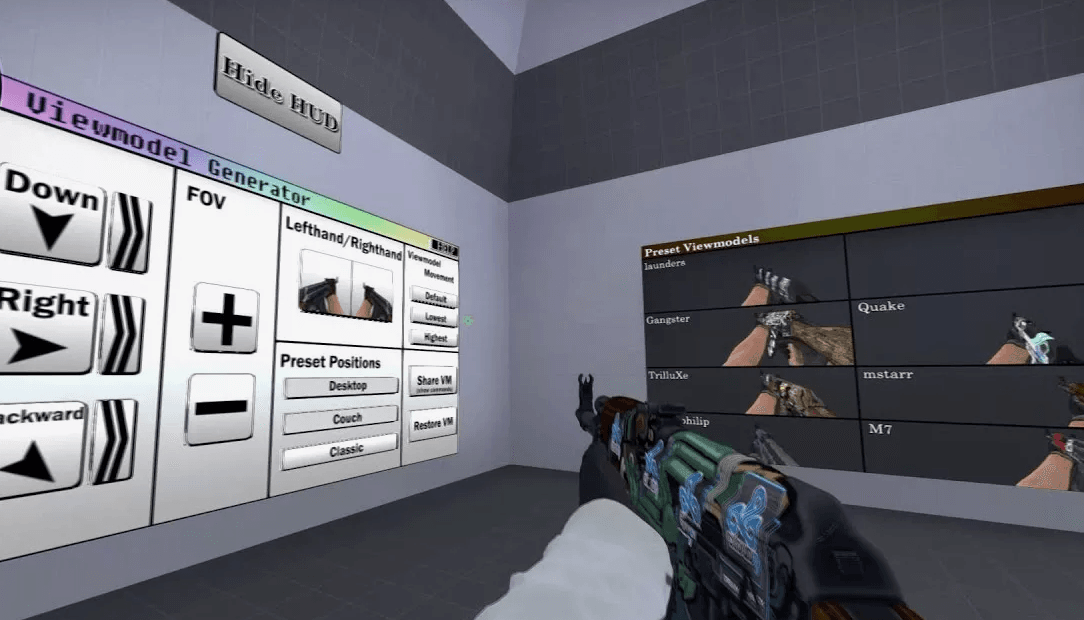
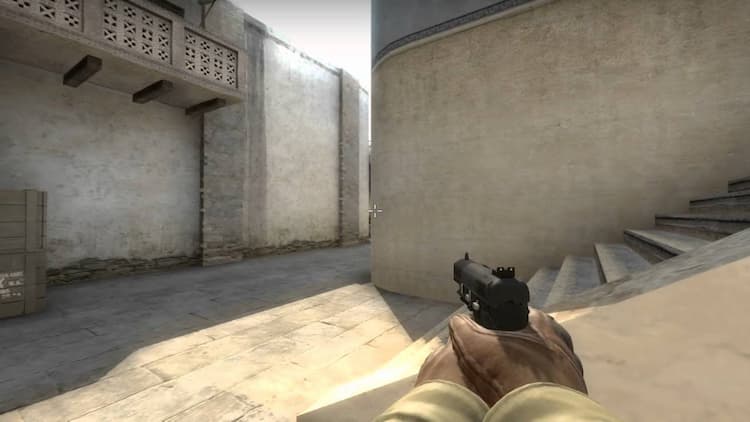
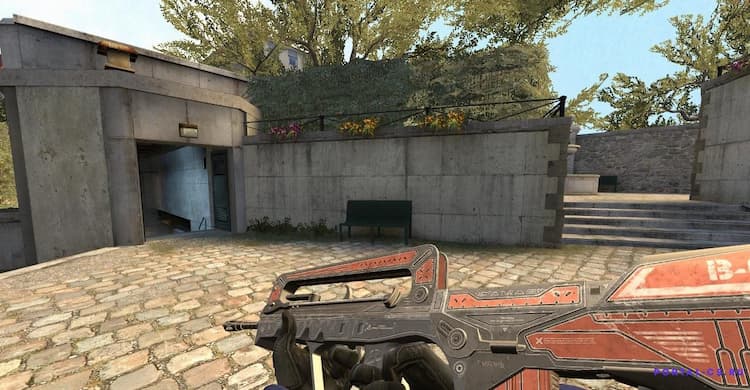
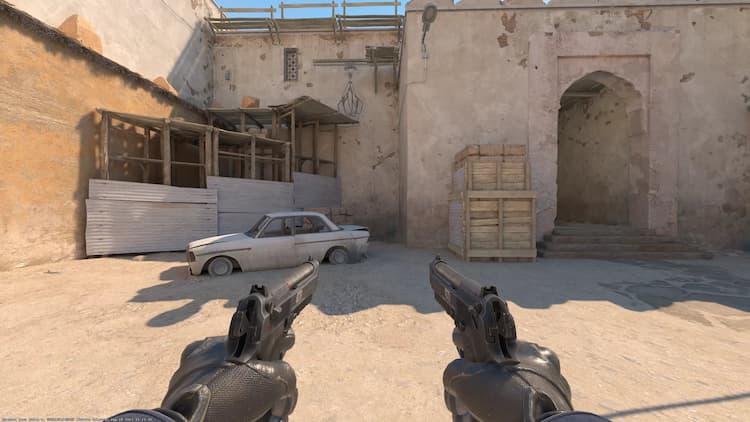
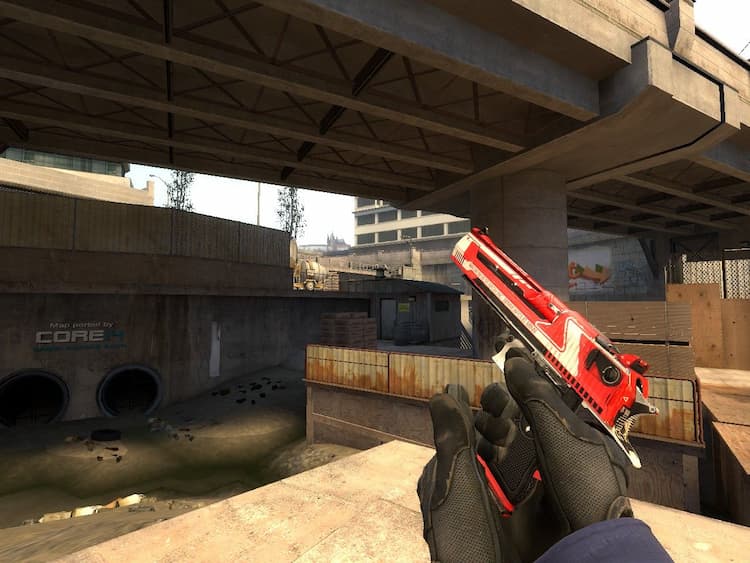
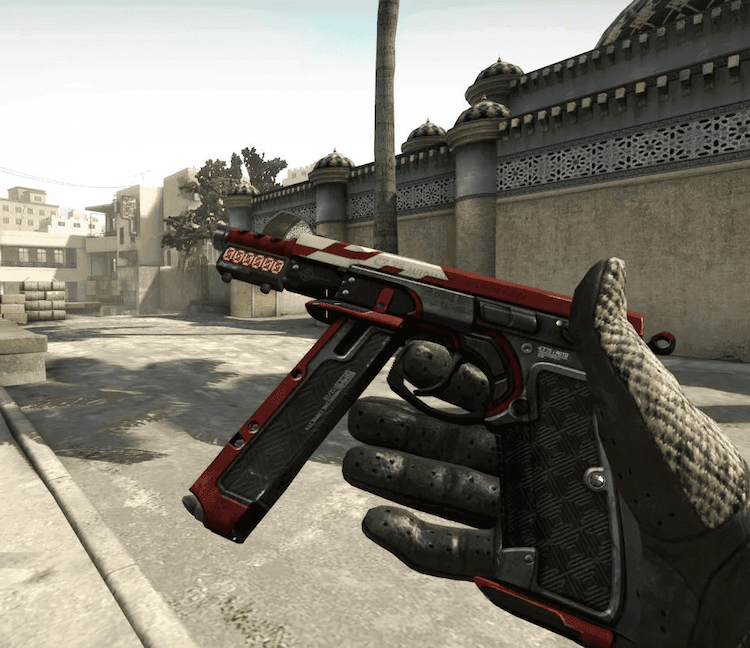
Next up: the cs2 viewmodel — how your hands and weapons are displayed. These settings improve visibility and gameplay comfort:
An analyst, amateur commentator, and author of platform reviews and guides on CSSpot. In his articles, Mikhail draws on his many years of experience watching and analyzing professional-level games.