
BSite Review: Opening CS2 Cases on b.site
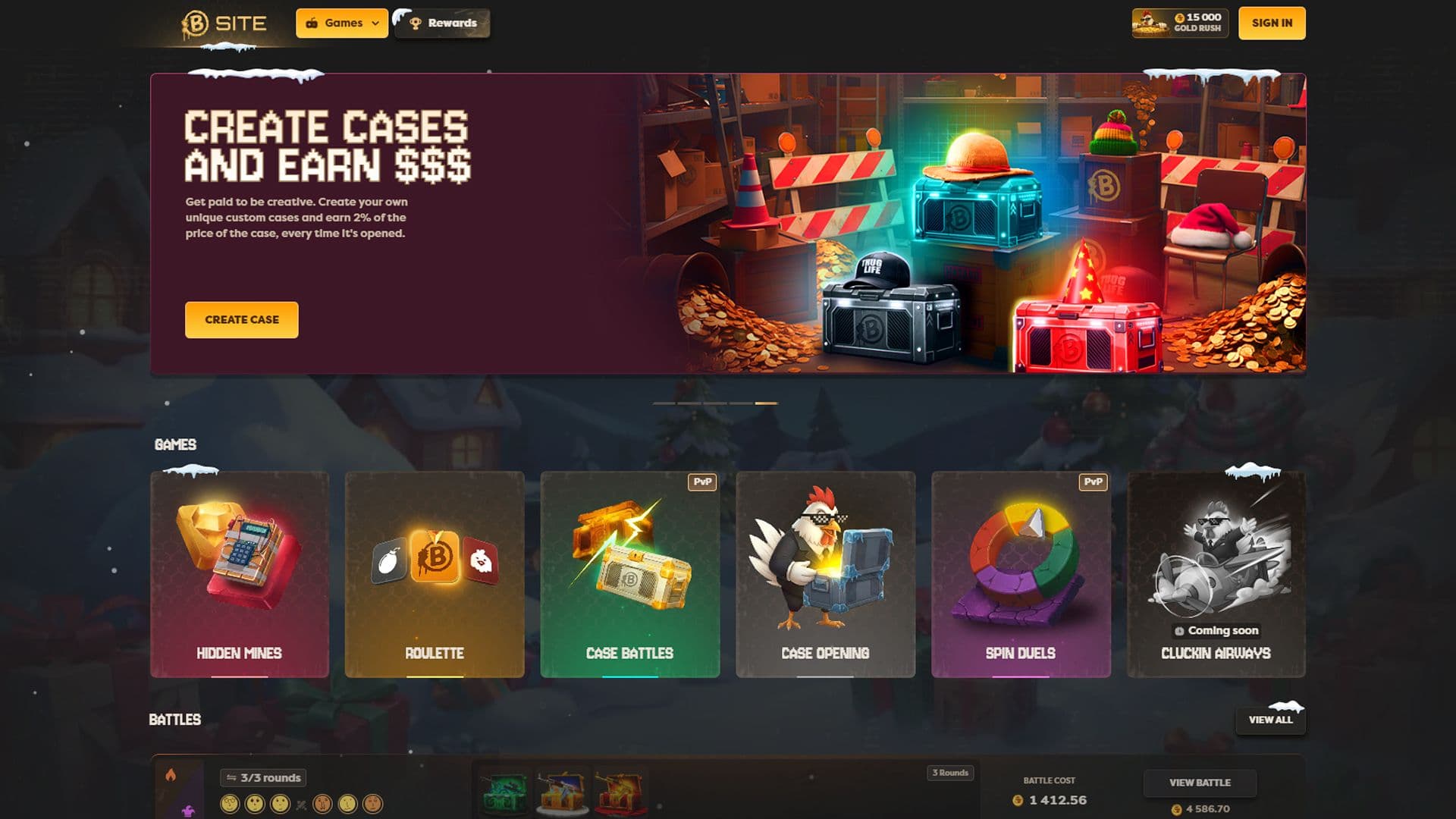
BSite is a CS2 case-opening platform where the main activity is buying a case with site coins and unboxing a skin. Steam login keeps the start quick, so players can get straight to cases.
The catalog mixes official cases with community-made builds. Case Battles add more competitive unboxing. Each opening ends with a random CS2 skin, and the choices are to keep it, convert it to coins, or roll those coins into another case.
What Is BSite and Who Is It For?
BSite is for CS2 players who like opening cases but want more variety and more control over how sessions play out. It fits collectors looking for themed pools, grinders who enjoy stacking rewards, and friends who want to open the same cases side by side in battles.
The platform runs on a coin balance. Rewards top it up through codes, level-ups, and periodic giveaways. A simple rule keeps things fun: set a coin limit before the first click, then stop when that number is spent, even if the last spin felt close.
Case Catalog: Pricing Tiers, Themes, and “Key Shop” Exclusives
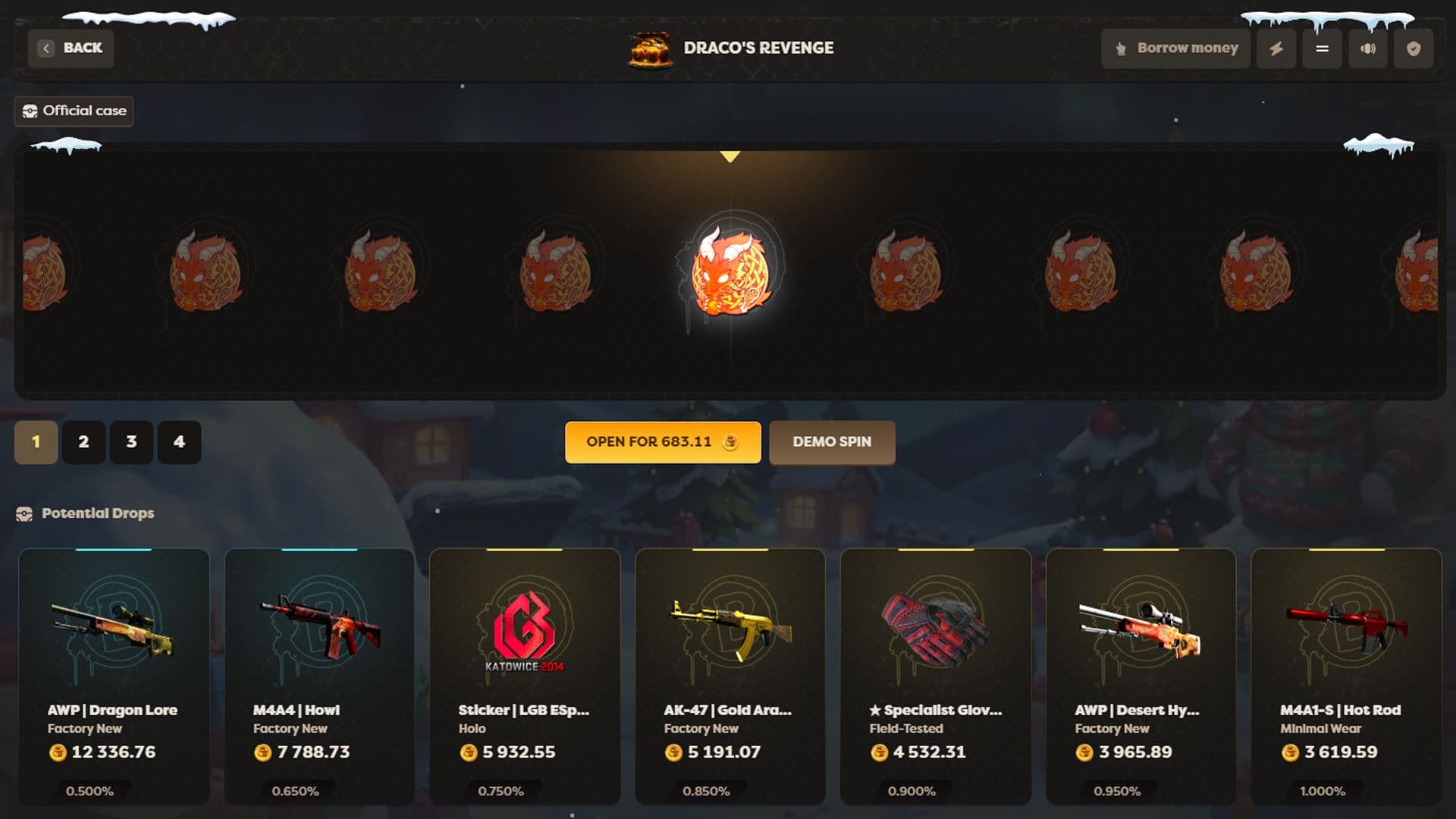
BSite splits its CS2 cases into Official Cases and Community Cases, and both sections can be sorted by price. Cases also show risk-style labels like LOW, MED, HIGH, and BIG, and many case names hint at themes like knives or gloves.
| Example case (Official section) | Price (coins) | Risk label |
| Draco’s Revenge | 747.90 | MED |
| Royalty | 687.64 | MED |
| Sun Tings Wong | 427.76 | BIG |
| Expensive Gloves | 313.14 | HIGH |
| Expensive Knives | 299.13 | HIGH |
| OG Classics | 148.15 | MED |
| 5% Medusa | 127.23 | BIG |
| Cheap Gloves | 74.02 | LOW |
| Cheap Knives | 67.06 | LOW |
| The 1.6 | 24.95 | HIGH |
Community Cases also connect to a Case Creator tool, where creators can publish their own cases and earn up to 2% commission when other players open them. Keys earned through rewards can be used in the Key Shop to open special cases that are locked behind those keys.
How Case Opening Works on BSite

A standard opening is a single roll from a case’s item pool. The familiar animation plays, then the final item lands. Case Battles keep the same case-opening core, but multiple players open the same sequence of cases in rounds and the winner is decided by total value.
In a battle, the screen shows the round counter and each participant’s drops as they happen, which makes momentum easy to read. The best advice is to choose a case set first, then lock it in, because swapping cases mid-session often turns a plan into random spending.
Step-by-Step: Log In → Pick a Case → Open → Keep / Sell / Reinvest
It helps to top up your balance and decide on a fixed number of openings so the session stays controlled.
- Log in with Steam. The account is tied to Steam, so this step usually takes seconds.
- Pick a case. Use Official vs. Community tabs, then sort by price to stay on budget.
- Open (or battle). Run a single case, or join a Case Battle to open in synced rounds against others.
- Keep / Sell / Reinvest. Keeping builds an on-site inventory for later delivery, selling turns the drop into coins, and reinvesting uses those coins for the next opening.
A practical habit is “one upgrade step.” Start in a lower tier, move up once if the balance allows it, then end the session after that step rather than chasing higher and higher prices.
Bonuses and Loyalty System: Free Rewards, Rakeback, and Promo Codes
BSite offers a few ways to earn extra coins while opening CS2 cases, so a balance can last longer if rewards are used the right way.
- Enter a promo code like LORDS or CS2WH to get 3 free cases and a 3% bonus on the first deposit. Redeem the code first, then deposit.
- Claim instant rakeback right away, and check daily, weekly, and monthly rakeback for more returns based on recent play.
- Use the Rewards area for level-up bonuses, leaderboards, and Rain drops that hand out coins on a repeating schedule.
- Add #BSITE to a Steam name to get 0.03 coins every 20 minutes, which helps for low-cost openings.
These boosts work best when claimed before opening higher-priced cases, since they can cover extra spins without changing a set budget.
Deposits and Withdrawals: Supported Methods and Expected Speed
Deposits are crypto-based and include Bitcoin, Ethereum, Litecoin, USDT, USDC, Solana, BNB, and Dogecoin. Credit time depends on the chain, but deposits are designed to show up quickly after confirmations.
Withdrawals are described as fast, with many processed within minutes and an outer window of up to 24 hours, depending on checks and network activity. A good routine is to test a small withdrawal first, then scale up once everything looks correct on the Steam trade side.
Fairness and Safety: Provably Fair Tools, KYC Triggers, and Transparency

BSite tries to show that case results are generated fairly, and it also has safety checks for certain account actions.
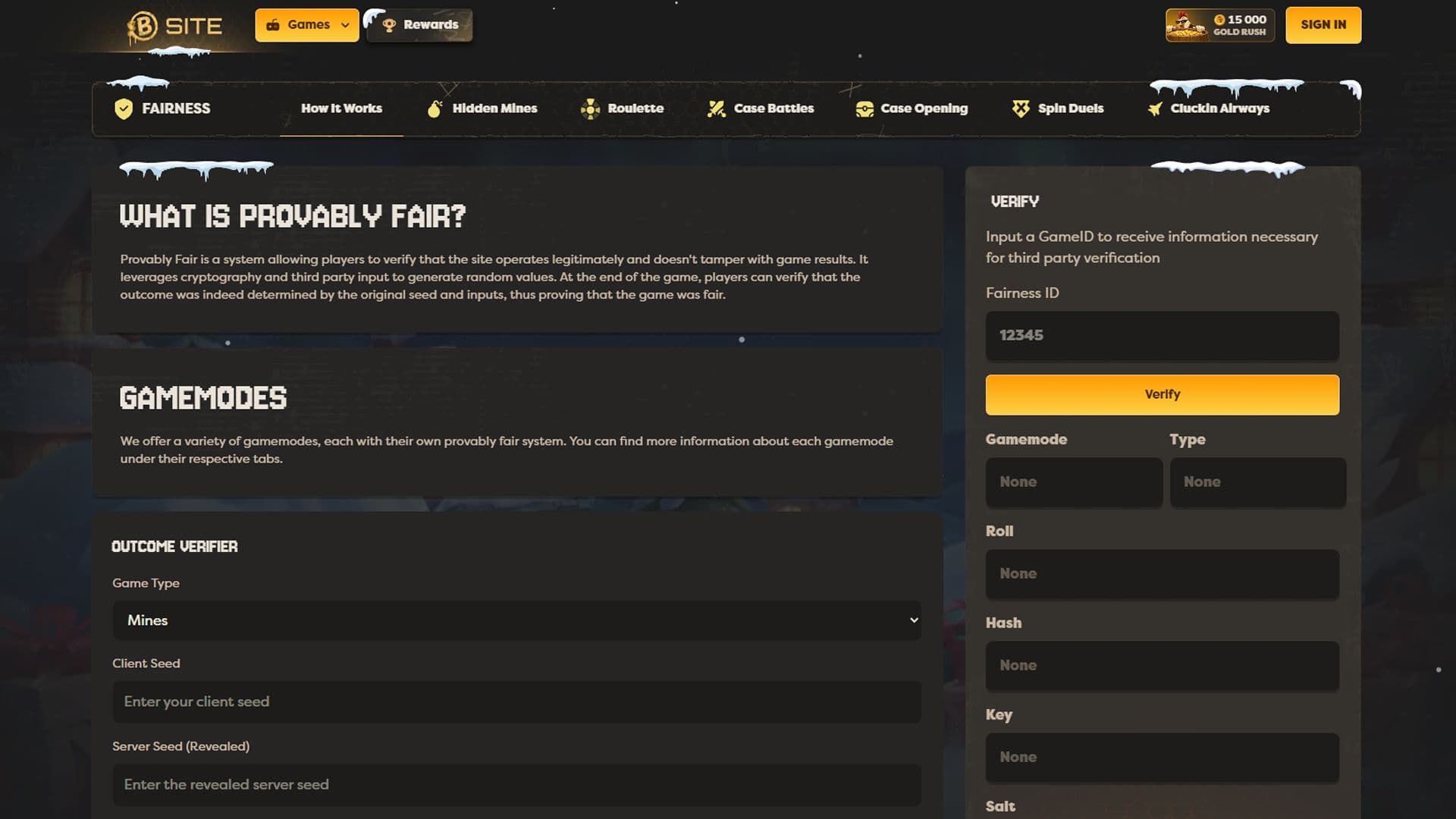
- Use the provably fair page to verify results with seeds and a nonce (a counter used for each roll). Checking a few opens early can confirm the system is working as shown.
- Expect KYC (identity verification) in specific cases, such as large withdrawals, suspicious activity, or other compliance checks.
- Keep the account personal and do not share logins, since unusual access patterns can raise flags.
- Make deposits in a consistent way, because sudden changes can trigger extra review when trying to withdraw.
These steps help avoid delays, especially when moving higher-value skins out of the site inventory.
User Experience: Interface, Mobile Performance, and Navigation
The interface is built around quick browsing, with clear tabs for cases and rewards, plus sorting that makes price control easy. On mobile, the same structure keeps cases readable and reduces accidental clicks when scrolling fast.
Language support includes English and Persian, which is helpful for mixed friend groups. For broader comparisons to other top case-opening platforms, the CSSpot ranking page is a handy reference because it is organized around CS2 case-opening sites and their criteria.
Support and Community Channels: Where to Get Help Fast
Help is available through live chat and email. Community channels like Discord are also listed for updates and quick answers. When contacting support about a trade or withdrawal, sending clear details (transaction info and Steam trade link) usually speeds up the fix.
Our choice


FAQ
- 01How do players log in to BSite?[ + ]
- 02Which case types can be opened?[ + ]
- 03What do cases cost on BSite?[ + ]
- 04How does a Case Battle end?[ + ]
- 05What bonuses can new users claim?[ + ]