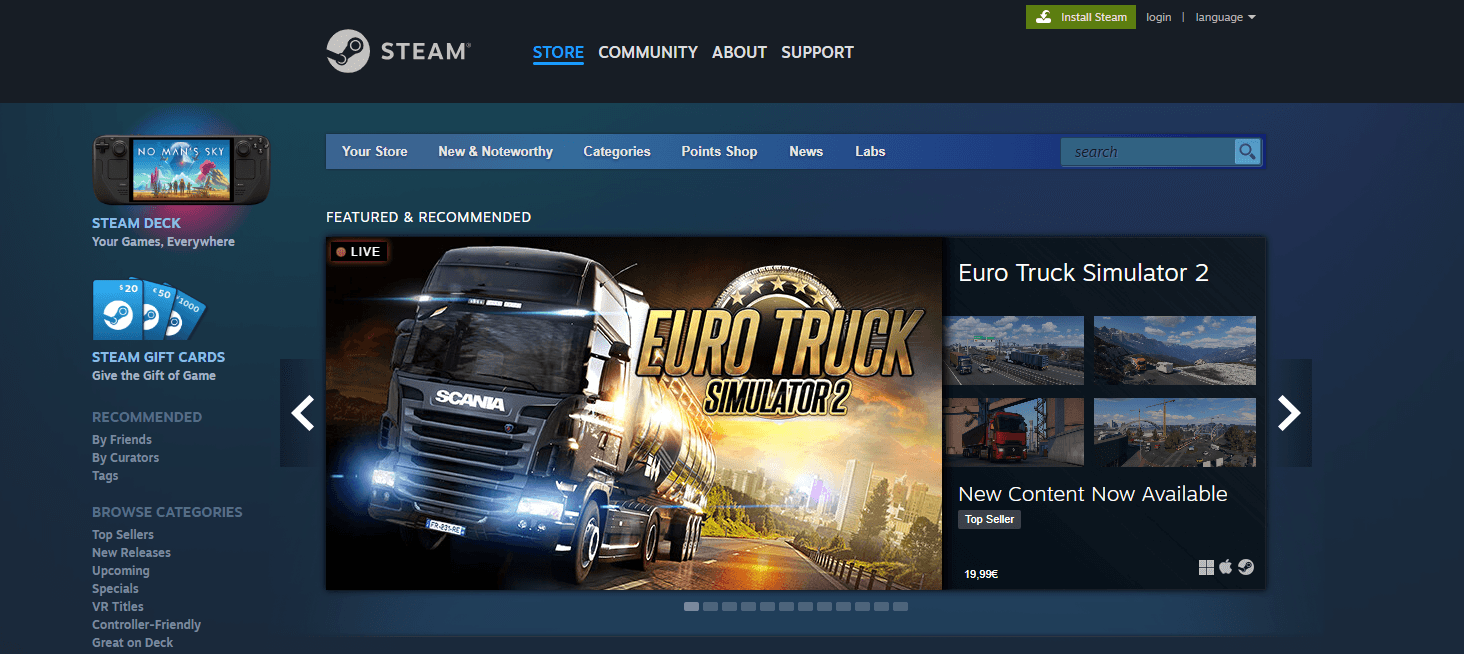




A few years ago, physical copies of games began to fall out of fashion, replaced by digital software available on various online platforms. One of the most well-known and popular of these is Steam. It can be compared to a digital library that provides a wide range of additional features. Besides purchasing games, users can communicate with each other, read thematic articles, and check reviews of the latest developments. Of course, the official Steam website also features the Counter-Strike 2 skin store, where fans of the legendary shooter can find suitable in-game items to enhance their gaming experience.
Steam Skin Selection
The Steam service offers skins for every taste and budget. To help users find the right option quickly, developers have introduced several filters:
- Case Type: This category allows users to select skins contained in specific CS2 cases.
- Players: This filter lets users view skins used or recommended by CS2 pro players, streamers, and casual gamers.
- Tournament: Sorting skins by tournaments where they were used by professional esports players or dedicated to specific Counter-Strike 2 competitions.
- Wear Level: Sorting items by condition—factory new, minimal wear, field-tested, well-worn, and battle-scarred.
- Weapon Type: A filter to choose skins for specific weapon categories, including knives, gloves, pistols, SMGs, machine guns, assault rifles, sniper rifles, and shotguns.
Steam also allows users to sort skins by other parameters:
- Team
- Collection
- Rarity
- Color
Items can be sorted by price, either from lowest to highest or vice versa.
Steam Registration
Steam is a simple and accessible platform. Registration does not require complex steps and involves a few standard actions:
- Visit the official Steam website and click "Sign In," then select "Create an Account." Alternatively, download the Steam installer from the official site and register through it.
- Enter a valid email address, username, and password.
- Complete the registration process by confirming your account via the link sent to your email.
Login is performed using the chosen username and password. To avoid entering these credentials every time, it is recommended to check the "Remember Me" box. Experienced users suggest downloading the Steam mobile app to access the platform’s features without needing a PC.
Bonuses and Promotions
The Steam service does not offer promo codes or deposit bonuses. However, it does have a lucrative points accumulation program. Users earn 103 Steam Points for every 100 rubles spent on the platform.
Accumulated points can be used to purchase in-store items, change profile backgrounds, reward other users, or buy Counter-Strike 2 skins without spending real money.
Steam also offers gift cards with activation codes, which can be used to make purchases using bonus funds. These cards can be bought or received as gifts from other users.